
Best vr lightsaber accessories usually come down to three things: control you can trust, comfort you forget about, and safety that keeps you playing instead of troubleshooting.
If you have ever had a controller slip mid-swing, felt your wrist start to ache, or worried about smacking a lamp, you already know why accessories matter, even in a “simple” rhythm or dueling game.
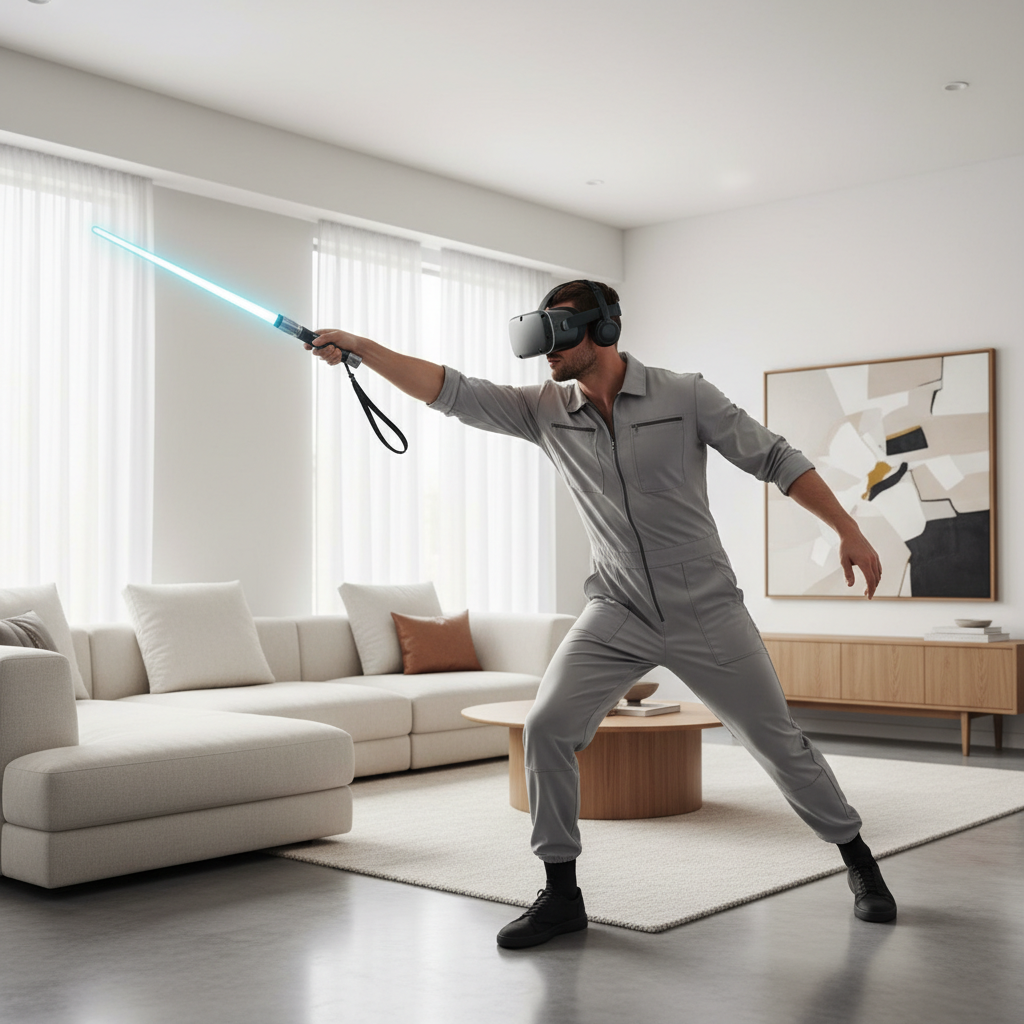
This guide focuses on practical add-ons people actually keep using, not gimmicks. You will get a quick comparison table, a self-check to pick the right type, and setup tips so the accessory helps instead of adding wobble.
What counts as a “lightsaber accessory” in VR
In most setups, a VR lightsaber is really a controller you swing like a saber, so accessories are designed to change how that controller feels in hand, how safely it stays attached, or how clearly you sense impact.
- Hilt/handle attachments that make a controller feel more like a saber grip
- Wrist straps and knuckle grips that reduce the chance of throwing a controller
- Counterweights that shift balance for steadier swings
- Haptic add-ons that increase vibration or impact feel
- Protective accessories like silicone sleeves to reduce scuffs and improve grip
Compatibility is the first gate. Many accessories are headset-platform specific because controller shapes differ, and even small differences can create tracking issues.
Quick comparison table: which accessory helps which problem
People shop for the best vr lightsaber accessories after something goes wrong, slipping, fatigue, tracking weirdness, or accidental wall taps. Use this table to map the problem to the accessory type.
| Problem you feel | Accessory type | Why it helps | Watch-outs |
|---|---|---|---|
| Controller feels too short or “toy-like” | Hilt/handle attachment | More leverage, more natural two-handed grip | Can add bulk and change swing timing |
| Hand fatigue, sweaty grip | Knuckle strap or textured grip cover | Less squeeze force, more secure hold | Poor fit can rub or shift |
| Wrist strain from long sessions | Counterweight or lighter handle | Better balance reduces “front-heavy” torque | Too much weight can make it worse |
| Accidentally flinging the controller | Wrist lanyard or knuckle grip | Secondary retention even if you lose grip | Strap must be correctly adjusted |
| Hits feel weak or hard to time | Haptic add-on (if supported) | Clearer feedback on impact and rhythm cues | Extra vibration may annoy some users |
Why accessories can genuinely improve gameplay (and when they don’t)
On paper, a plastic handle should not change your score. In practice, it changes how consistently you swing and recover, which is where accuracy comes from.
- Grip confidence reduces micro-adjustments mid-swing, that alone can clean up timing
- Better balance makes it easier to stop on target instead of “over-slicing”
- Two-handed options can feel more stable for wide arcs and defensive moves
But some add-ons hurt more than help. Oversized hilts can block buttons, interfere with tracking rings, or make fast patterns feel sluggish. If you mostly play high-BPM rhythm modes, lighter and more secure often beats heavier and more realistic.
According to Oculus (Meta) safety guidance for VR, keeping your play area clear and using the wrist straps reduces injury and damage risk, which matters even more once you add leverage with a longer handle.
Self-check: choose the right category for your style
If you buy based on looks, you may end up with an accessory you stop using in a week. This quick check helps narrow the “best vr lightsaber accessories” to what fits your play.
- You play fitness/rhythm mostly: prioritize knuckle grips, breathable grip covers, secure wrist retention
- You like dueling/roleplay feel: look at hilt attachments with stable locking and comfortable choke points
- You have smaller hands: avoid thick hilts, choose slim grips and adjustable straps
- You share the headset: quick-adjust straps and easy-on grip covers beat “perfect fit” custom builds
- You get wrist soreness: consider balance changes, but start with technique and session length
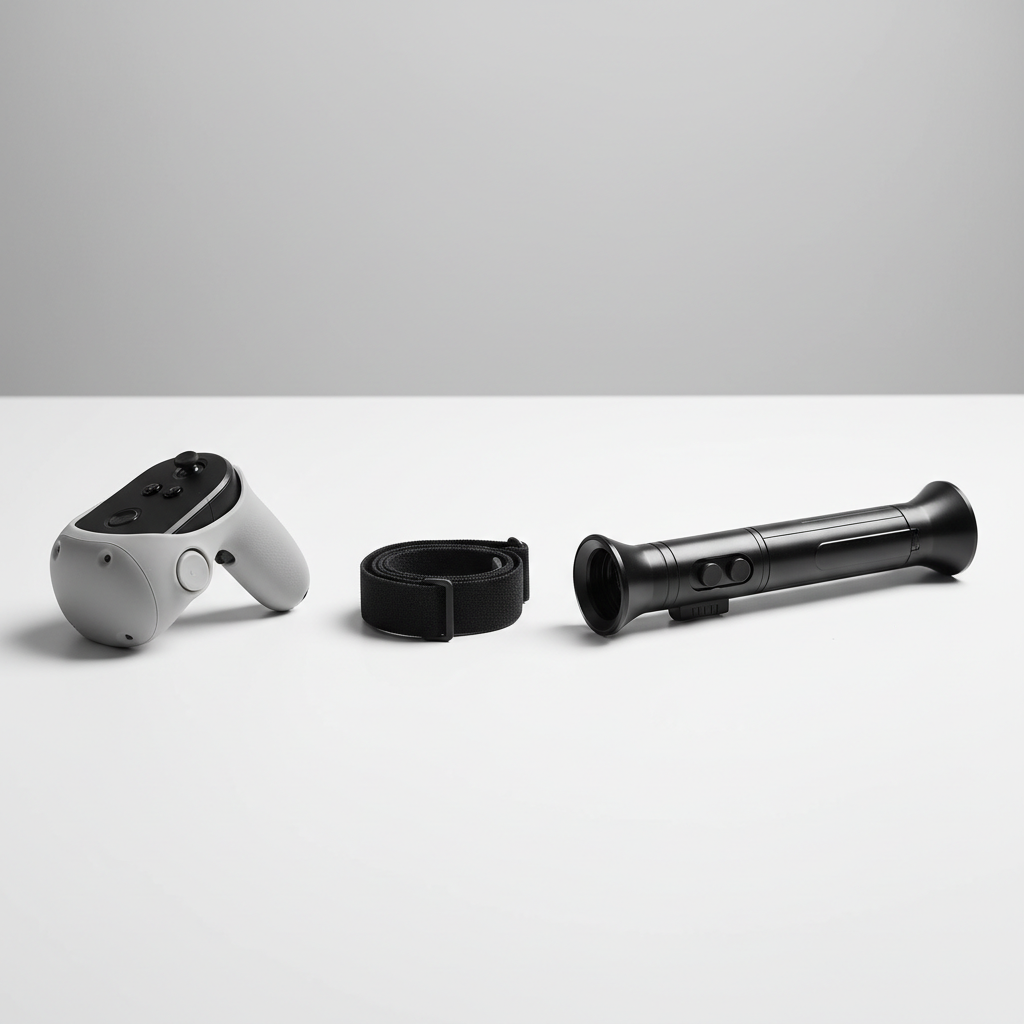
One more honest filter: if you do not want to adjust hardware between games, skip complicated assemblies. Simple retention and comfort upgrades deliver the most day-to-day value.
Top picks by accessory type (what to look for, not just what to buy)
Brands change fast, listings come and go, and controller revisions happen. So instead of promising a single “winner,” here is how experienced buyers evaluate the best vr lightsaber accessories in each category.
1) Hilt/handle attachments
These are the most “lightsaber-like” accessories, and also the easiest to get wrong.
- Rigid lock-up: the controller should not twist inside the hilt when you accelerate
- Button and sensor clearance: no blocked triggers, no occluded tracking areas
- Comfortable grip zones: a slight taper or textured section where your lead hand naturally sits
- Length that fits your room: longer handles increase reach, and collision risk
If a listing does not clearly show how the controller is secured, treat that as a yellow flag.
2) Knuckle straps and wrist lanyards
This is the unglamorous upgrade that prevents the most heartbreak.
- Adjustability for different hand sizes and quick swapping
- Comfort edges that do not bite into the back of your hand
- Reliable anchor point that will not loosen under repeated swings
In many households, straps end up being the only accessory everyone agrees on.
3) Grip covers and sleeves
Good grip covers solve sweaty hands and add a bit of shock protection. Bad ones feel mushy and shift.
- Textured, not sticky: you want friction without collecting lint
- Thin where it matters: keep trigger reach natural
- Easy cleaning: silicone typically rinses well, fabric may hold sweat
4) Counterweights and balance kits
These can improve control, but they are also the quickest way to turn VR into a wrist workout you did not ask for.
- Small increments: add weight gradually, do not jump to heavy
- Secure attachment: no rattling, no shifting center of mass
- Test for 10 minutes before committing to a long session
If you have joint pain or prior injuries, it may be smarter to focus on straps, grip, and technique, and consider asking a qualified professional for guidance.
Setup tips: get the benefits without breaking tracking
Accessories fail most often during setup, not during use. A few small checks prevent the “why does my saber drift” moment.
- Re-check tracking after installing: do a slow figure-eight, then fast swings, watch for stutter
- Confirm full button travel: triggers and grip buttons should not rub on plastic
- Use the right strap tension: snug enough to retain, loose enough for circulation
- Balance test: hold the controller lightly, it should not tip forward aggressively
- Play-space reset: a longer handle changes your swing radius, expand your buffer zone
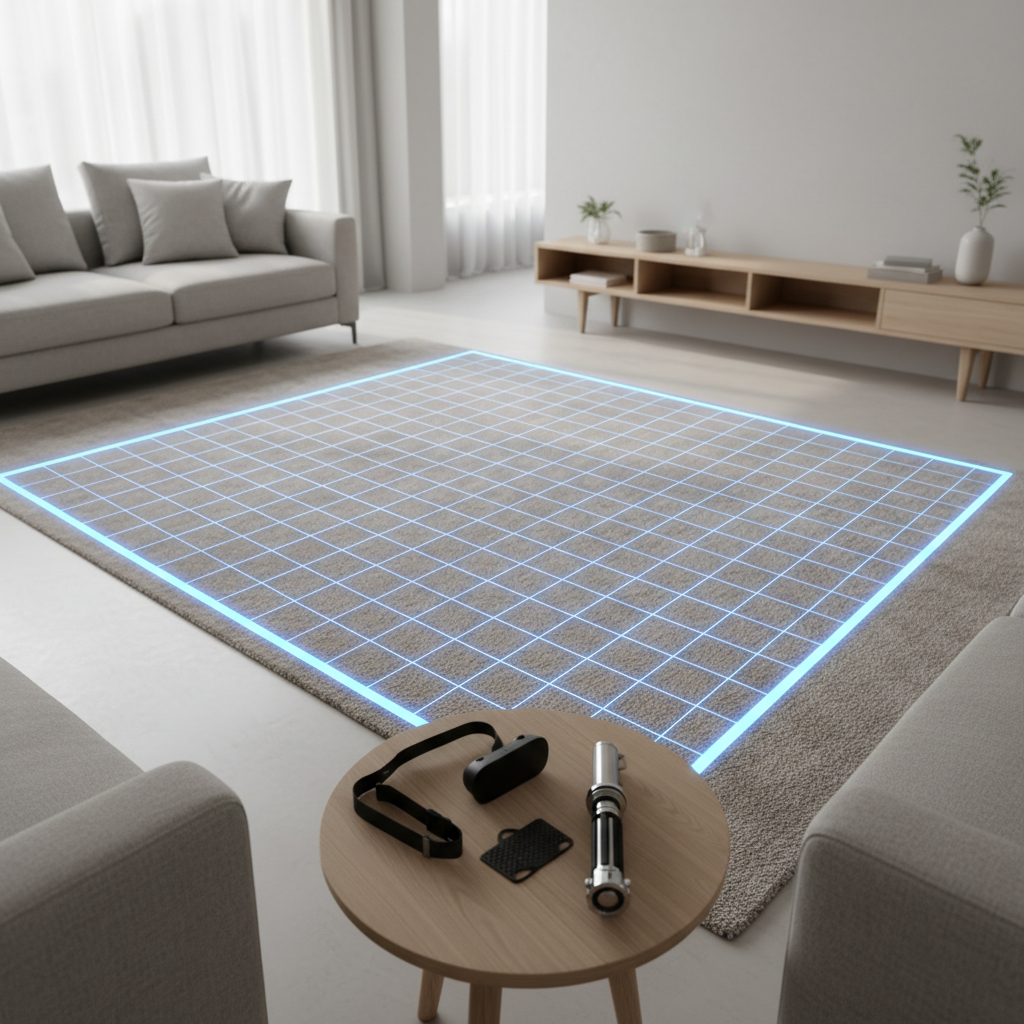
If you feel sudden forearm burn or wrist pinch after adding an accessory, treat that as feedback, not a “push through it” challenge. Shorten sessions, adjust fit, and consider a different category of add-on.
Common mistakes (and how to avoid wasting money)
- Buying for realism over comfort: a metal-looking hilt may be fun, but comfort wins long term
- Ignoring return policies: fit is personal, especially with straps and hand size
- Over-weighting: heavier rarely means “better,” it often means fatigue
- Assuming universal compatibility: even within one headset line, controller revisions happen
- Skipping safety basics: no accessory replaces a clear play area and proper strap use
When people say an accessory “ruined tracking,” it is often because it blocks a sensor area or changes how the controller sits in the hand, and the fix can be as simple as re-seating it or choosing a slimmer design.
Key takeaways + a practical buying order
If you want a simple plan, buy in this order and stop once your pain point disappears.
- 1) Retention first: knuckle straps or wrist lanyards, because safety and confidence matter
- 2) Comfort second: grip covers if your hands slip or get sore
- 3) Feel third: a hilt attachment if you genuinely want the saber form factor
- 4) Tuning last: counterweights only if you know what balance problem you are solving
The “best” setup is the one that disappears while you play. If you constantly notice the accessory, it probably is not right for your style.
If you are choosing today, pick one small upgrade, install it carefully, then give it a few sessions before stacking more gear.
FAQ
What are the best vr lightsaber accessories for beginners?
Most beginners do best with a comfortable knuckle strap or wrist lanyard plus a simple grip cover. Those two improve control without changing swing timing much.
Do lightsaber handle attachments hurt tracking?
They can, especially if the design blocks tracking elements or forces an odd hand position. Look for models that clearly show sensor clearance, and test tracking with slow and fast movements after installing.
Is adding weight to a VR lightsaber a good idea?
Sometimes, but it depends on your wrist tolerance and the game’s speed. Small adjustments can stabilize swings, while heavy setups often cause fatigue, so add weight gradually and stop if discomfort shows up.
Are knuckle straps better than wrist straps for saber games?
Knuckle straps usually feel more natural because you can relax your grip without losing the controller. Wrist lanyards still help, but they do not reduce grip squeeze as much.
How do I know if a grip cover will fit my controller?
Check the exact controller model and revision listed, then look for photos showing cutouts around buttons and sensors. If the seller only says “fits most,” expect a higher chance of slipping or blocked controls.
What accessory helps most with sweaty hands?
A textured silicone grip cover is often the simplest fix, and it is easy to clean. Fabric options may feel nice, but they can hold sweat and smell over time.
Can these accessories reduce wrist pain?
They might, especially straps that reduce grip tension and lighter, better-balanced setups. If pain persists or feels sharp, it is sensible to reduce play time and consider asking a qualified professional for advice.
If you are trying to build a more convincing saber feel without turning your setup into a project, start with retention and comfort, then add a hilt only after you know your controller fit and play space allow it.