
how to play gta 5 in vr 2026 usually comes down to two things: picking a workable VR mod pipeline and tuning settings so the game stays smooth without making you feel awful after ten minutes.
If you tried this before, you probably hit the same wall most people hit, unclear mod choices, confusing runtimes (SteamVR vs OpenXR), controller weirdness, plus performance that swings wildly depending on your GPU and headset.
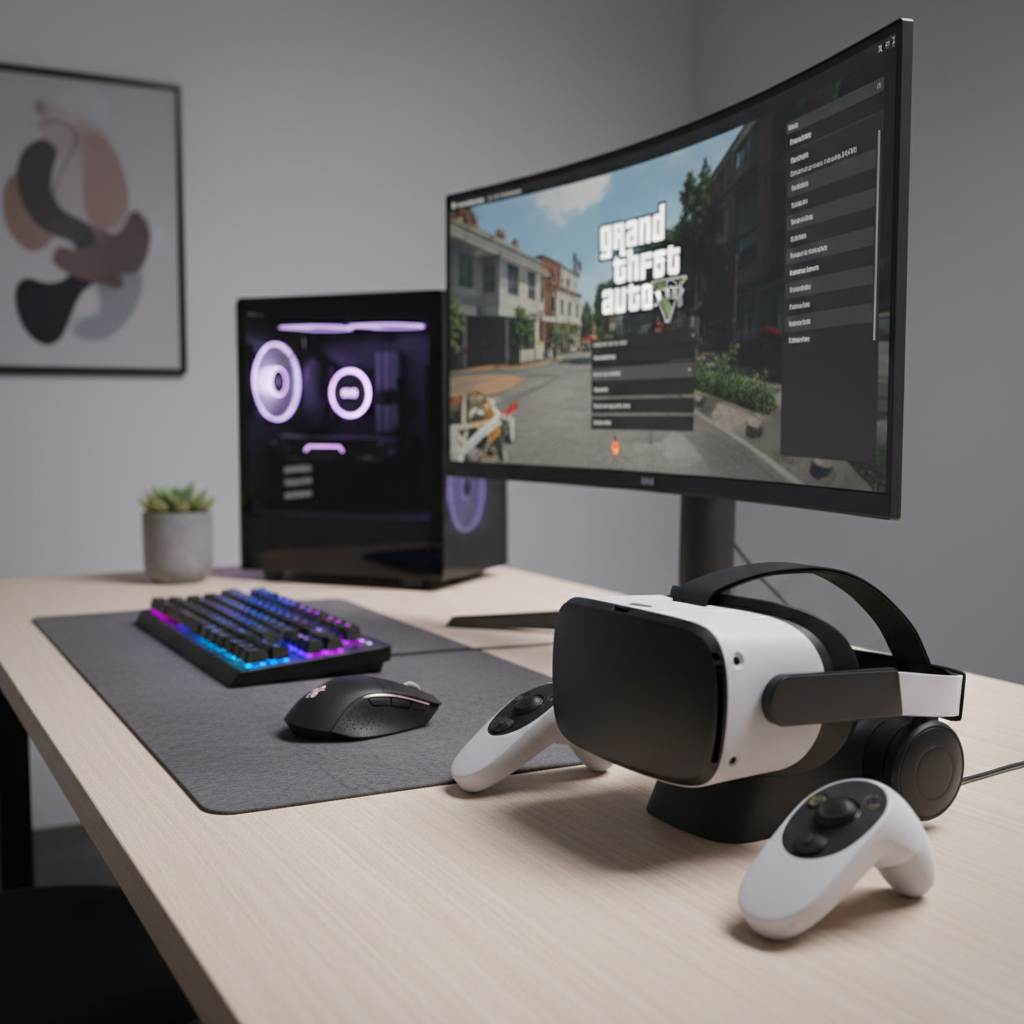
This article keeps it practical: what you need, which setup path tends to be least painful, a step-by-step checklist, plus comfort and safety tips that matter more in GTA than slower games.
Quick note: GTA V was not built as a native VR title, so any VR experience is mod-based, results vary by PC, and you should expect some tinkering.
What “GTA 5 in VR” means in 2026 (and what it doesn’t)
In 2026, playing GTA V in VR typically means you run the PC version and add a VR mod that renders a stereoscopic view and head tracking, then you decide whether you still use a gamepad/keyboard or attempt motion controls via additional tools.
What it usually does not mean: a fully supported, plug-and-play experience with first-party patches, official room-scale interactions, or guaranteed compatibility across every headset update.
Why that matters: your expectations should match the reality of modded VR, you’ll spend more time on setup, and you’ll want an easy rollback plan if an update breaks something.
- Best-case experience: solid head tracking, stable frame pacing, gamepad driving/shooting that feels “cinematic VR.”
- Common compromises: UI elements that feel too close or too far, occasional camera oddities, limited motion control support.
- Main risk: game updates or mod conflicts causing crashes.
Hardware and software you actually need
The cleanest route for how to play gta 5 in vr 2026 is a Windows gaming PC, a mainstream PC VR headset, and a performance mindset: GTA V is old, but VR makes it heavy.
Recommended baseline (realistic, not “perfect”)
- PC: a modern 6–8 core CPU, 16–32GB RAM, SSD storage (helps stutter and load times).
- GPU: a mid-to-high tier RTX/Radeon card. If you aim for high headset resolution, you’ll want more headroom than flat-screen GTA.
- Headset: any well-supported PC VR headset that runs through SteamVR or OpenXR pathways.
- Input: gamepad is still the least frustrating option for most people, especially for driving.
Software pieces (what each one does)
- GTA V PC (Rockstar launcher / Steam / Epic): the game itself.
- VR runtime (SteamVR or OpenXR stack): the layer that talks to your headset.
- VR mod + mod loader: injects VR rendering and head tracking into GTA V.
- Optional: a frame-time overlay tool to diagnose stutters (useful when you think you’re “at 90 FPS” but you’re not).
According to Valve, SteamVR provides the VR platform layer for many PC headsets and applications, which is why it’s still a common foundation for modded PC VR setups.
Choose your setup path: 3 common ways, with tradeoffs
There isn’t one universally “right” method, but in practice most players fall into one of these paths, depending on whether they value stability, visuals, or experimentation.
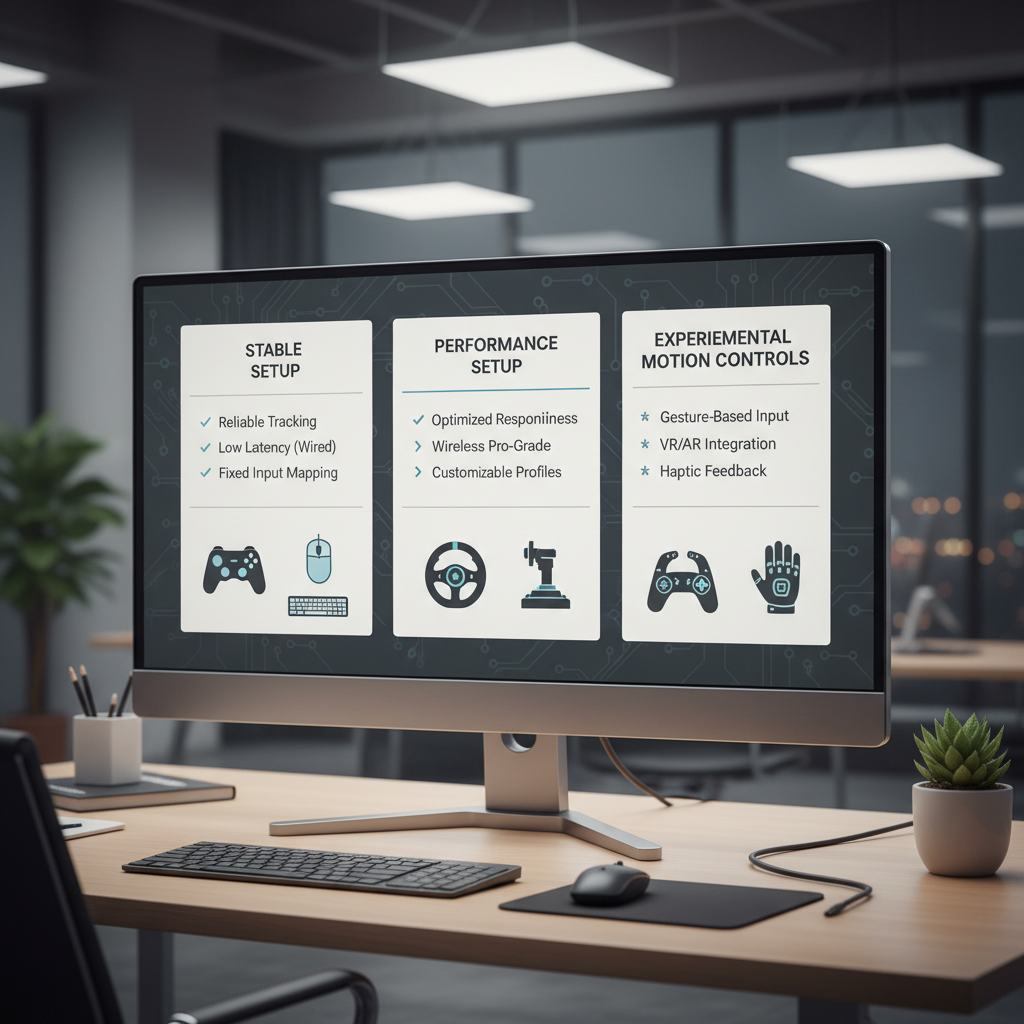
At-a-glance comparison
| Path | Best for | Typical pain point |
|---|---|---|
| “Stable” VR mod + gamepad | Most people who just want to play | Less immersive interactions, UI quirks |
| Visual-first (higher resolution, reprojection) | Screenshots, slower play, sightseeing | Motion sickness risk if frame pacing slips |
| Experimental (extra tools for motion controls) | Tinkerers who enjoy tweaking | More breakage after updates, mapping hassles |
If you’re deciding today, I’d default to the “stable mod + gamepad” approach, then only chase motion controls after you have a baseline that doesn’t crash.
Step-by-step: how to get GTA V running in VR (clean install mindset)
For how to play gta 5 in vr 2026 without endless troubleshooting, treat it like a small project: isolate variables, test in short loops, and change one thing at a time.
1) Start with a clean, known-good GTA V
- Verify game files in your launcher (Steam/Epic) before you mod anything.
- Launch once in flatscreen to confirm it reaches story mode.
- Disable overlays you don’t need (some overlays conflict with injection-based mods).
2) Lock your game version if your mod requires it
Many VR mods depend on specific GTA V builds. If the mod’s documentation mentions a supported version, follow it. This is where a lot of “it worked last week” frustration comes from.
3) Install the mod loader and VR mod in the recommended order
- Follow the mod author’s install steps exactly, especially file locations.
- Back up any files the instructions tell you to replace.
- Do a first launch in VR with default settings, before adding graphics mods.
4) Confirm runtime selection (SteamVR vs OpenXR)
If your headset can use either runtime path, pick the one recommended by your VR mod. Mismatched runtime selection is a sneaky reason for black screens or head tracking not working.
5) First-boot checklist
- Head tracking responds correctly when you look around.
- Game renders in both eyes with acceptable scale.
- Menus are readable without leaning in.
- Controller inputs work in the prologue area.
Settings that usually matter most (performance and comfort)
This is the part people rush, then wonder why they feel sick. GTA V in VR rewards conservative settings and stable frame times more than ultra visuals.
Graphics settings to prioritize
- Resolution / supersampling: increase slowly, clarity is nice but stability matters more.
- MSAA and advanced graphics: these can be expensive, start low.
- Shadows and grass: often large performance hitters, especially in motion.
- Distance scaling: keep moderate, huge values can create stutter while driving fast.
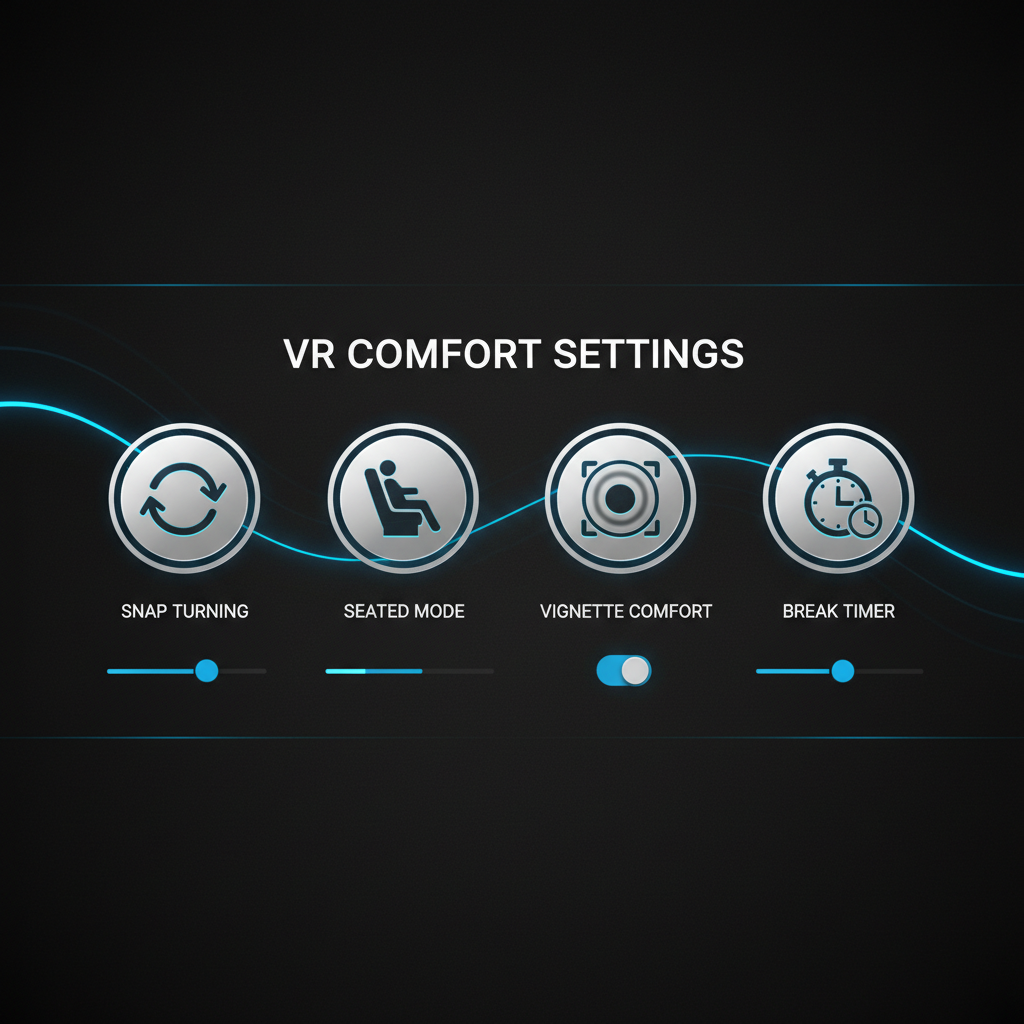
VR comfort settings (don’t skip)
- Snap turning vs smooth turning: snap can reduce nausea for many players.
- Seated play: often feels better in GTA since you spend time driving.
- Short sessions: build tolerance, stop when you start feeling “off.”
According to the American Academy of Ophthalmology, taking breaks during screen use can help reduce eye strain, which is a sensible habit to carry into longer VR sessions as well.
Troubleshooting: the issues people hit most often
When how to play gta 5 in vr 2026 goes sideways, the symptoms usually look dramatic but the fix is often basic: version mismatch, runtime confusion, or a conflicting mod.
Crash on launch
- Re-check game version compatibility with your VR mod.
- Remove other script or graphics mods and test VR alone.
- Verify files, then reinstall the mod following the exact order.
Black screen in headset, game shows on monitor
- Confirm the correct VR runtime is active for your headset.
- Try launching SteamVR before launching GTA V.
- Disable overlays (Discord, GPU overlays) temporarily to test.
Head tracking works, but scale feels “wrong”
- Look for VR mod settings related to IPD/scale or world scale.
- Reset headset view and re-center in the mod menu if available.
Judder/stutter while driving
- Lower distance scaling, shadows, and grass first.
- Close background apps, especially video capture or browsers.
- Consider running at a lower headset refresh rate if your system can’t keep up.
Safety, comfort, and “know when to stop” guidance
GTA in VR can be intense because of rapid acceleration, sharp turns, and camera motion. If you feel nausea, dizziness, headache, or eye discomfort, stopping early tends to prevent a longer recovery.
- Play seated if you’re new to VR driving, it often reduces discomfort.
- Hydrate and take breaks, especially in longer sessions.
- Adjust straps and IPD so the image stays clear without strain.
- If you have a medical condition that could be affected by VR, it’s smart to ask a healthcare professional before longer sessions.
According to the U.S. Food & Drug Administration (FDA), VR and similar immersive technologies can cause symptoms like motion sickness in some users, so paying attention to comfort signals matters.
Practical “best results” routine (what I’d do before every session)
If you want this to feel reliable, a small pre-flight routine helps more than yet another graphics tweak.
- Update check: if GTA V or your VR runtime updated, expect possible mod issues and test in a short session first.
- Baseline launch: start in story mode for two minutes to confirm stability before loading heavy areas.
- Comfort first: snap turn on, seated, conservative settings, then dial visuals up slowly.
- Backup plan: keep a copy of your working mod folder so you can revert quickly.
Conclusion: a realistic way to enjoy GTA V in VR in 2026
how to play gta 5 in vr 2026 is less about finding a magic mod and more about choosing a stable setup, keeping versions aligned, then tuning for smooth frame pacing and comfort. If you start simple, test changes in small steps, and accept a few VR-specific compromises, GTA V in VR can feel surprisingly fresh.
If you want one action to take today, make it this: pick a single VR mod path, do a clean install, and get a stable first boot before adding any extra mods or visual upgrades.