
how to unlock secret characters in fighting games usually comes down to one thing: figuring out what the game considers “progress.” Sometimes that means clearing Arcade on a certain difficulty, other times it’s hitting a match count, finishing story routes, or meeting oddly specific conditions in one fight.
If you’ve ever done “everything” and still see locked portraits, you’re not alone. Modern fighters mix old-school secrets with DLC, online requirements, and platform save systems that can make it feel like you’re missing a hidden switch.
This guide helps you separate what’s actually unlockable from what’s paid content, then gives you practical checks and repeatable steps that work across most franchises, without relying on rumor-heavy cheat lists.
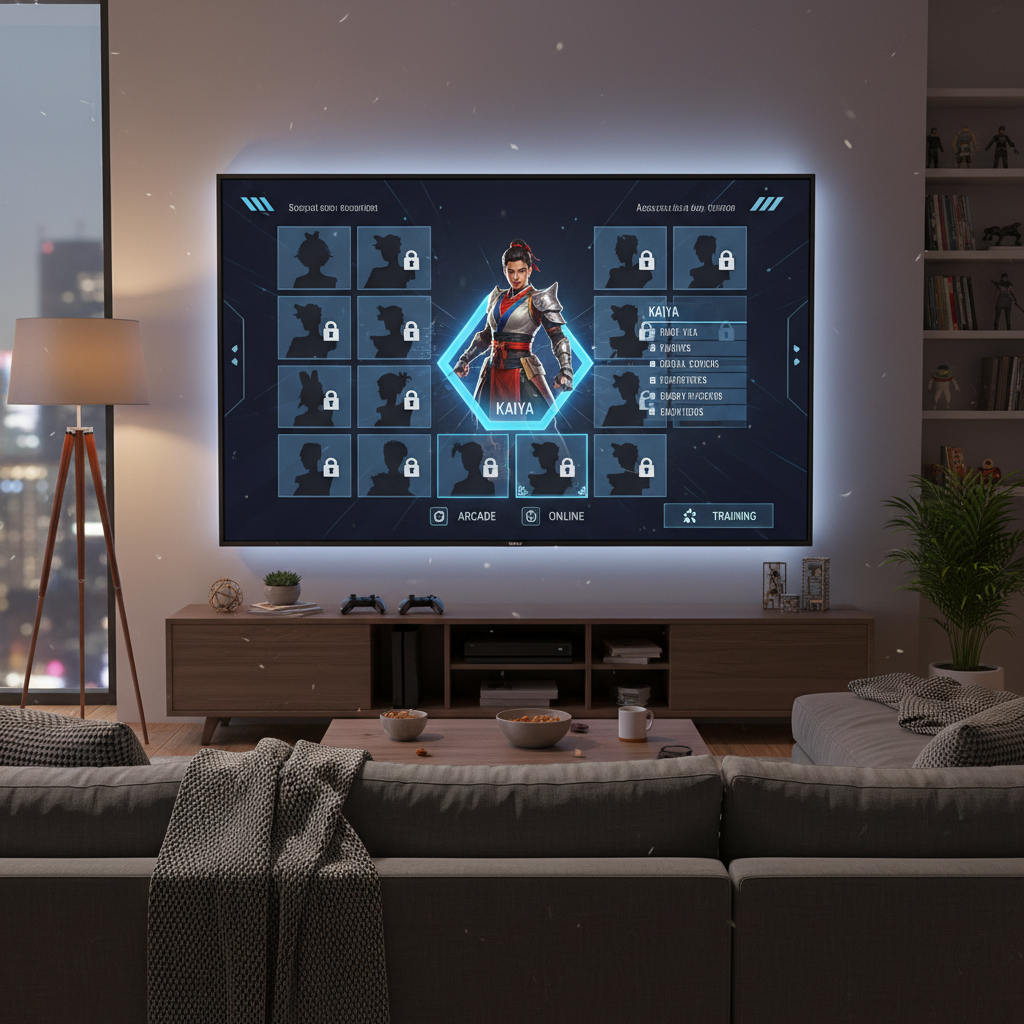
Why secret characters are locked in the first place
Most “secret” rosters aren’t truly secret anymore, they’re gated. Developers lock characters for pacing, to teach mechanics through modes, or to keep online matchmaking fair for new players.
- Progress gates: Arcade clears, Story chapters, mission towers, or training tutorials.
- Challenge gates: Win streaks, perfect rounds, finishers, or specific in-match triggers.
- Currency gates: Earned coins/tickets used to buy characters in-game.
- Account gates: Linking an online account, cross-save, or profile-based unlock flags.
- DLC gates: Characters that will never unlock via gameplay because they’re paid add-ons.
One more reality check: some games ship with “hidden” characters but also sell a unlock key (or “all characters pack”) that skips the grind. That can confuse the hunt.
Quick self-check: are you chasing a real unlock or DLC?
Before you grind for hours, confirm the lock type. This is where most people get stuck, especially when store pages and in-game menus look similar.
- If the character appears on the platform store as a standalone purchase, it’s very likely DLC.
- If the character has a “?” slot with no store link, it’s often gameplay unlock, but not always.
- If the game has an “Unlocks” or “Collection” menu, check if it lists requirements per character.
- If your save was migrated (PS4 to PS5, Switch to PC, etc.), unlock flags might not transfer cleanly.
A practical checklist (2 minutes)
- Check in-game notifications, mailboxes, and reward popups you may have skipped.
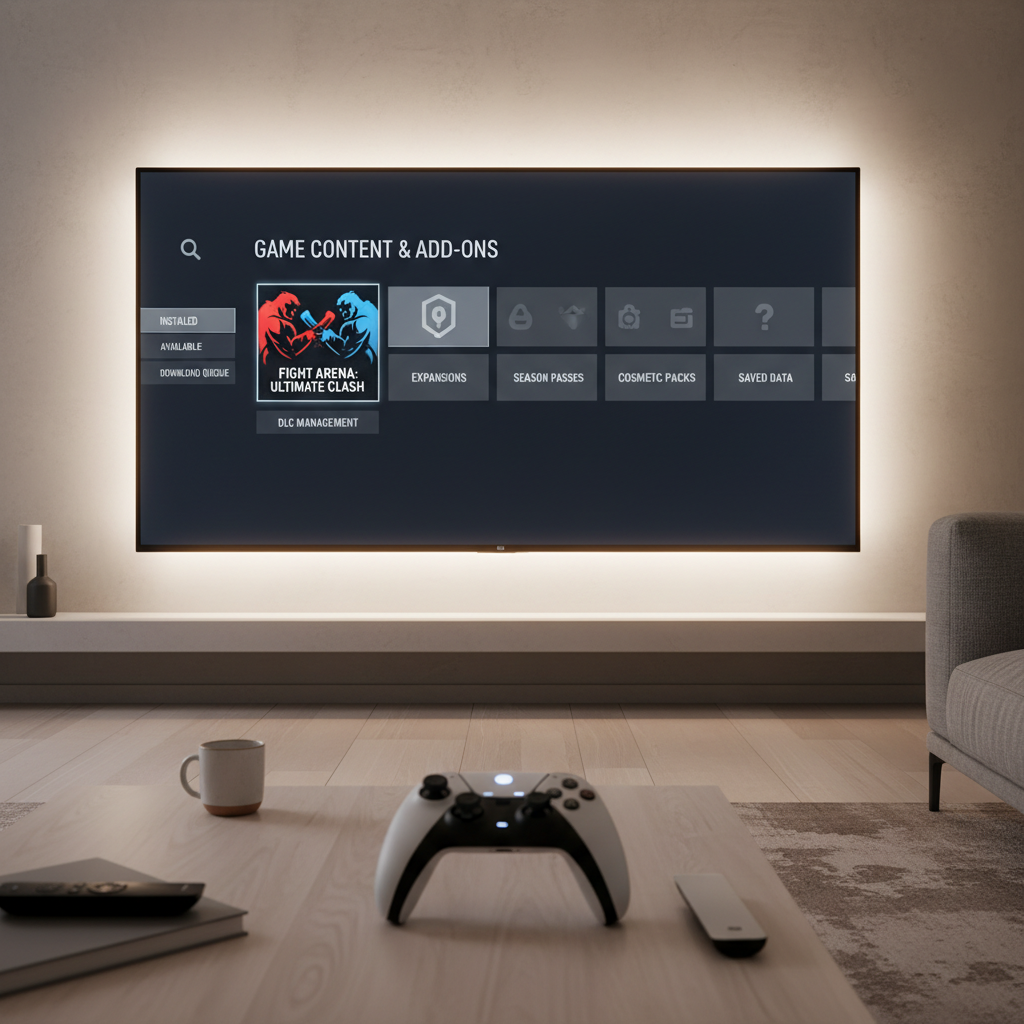
- Open your platform “Manage Game Content” list and confirm installed add-ons.
- Verify you’re using the same profile that earned the progress.
- Restart the game after installing DLC or after a major update.
Common unlock methods (and what they look like in real play)
When people ask how to unlock secret characters in fighting games, they’re usually dealing with one of these patterns. You don’t need a rumor list to recognize them, you need to match the pattern to your game’s modes.
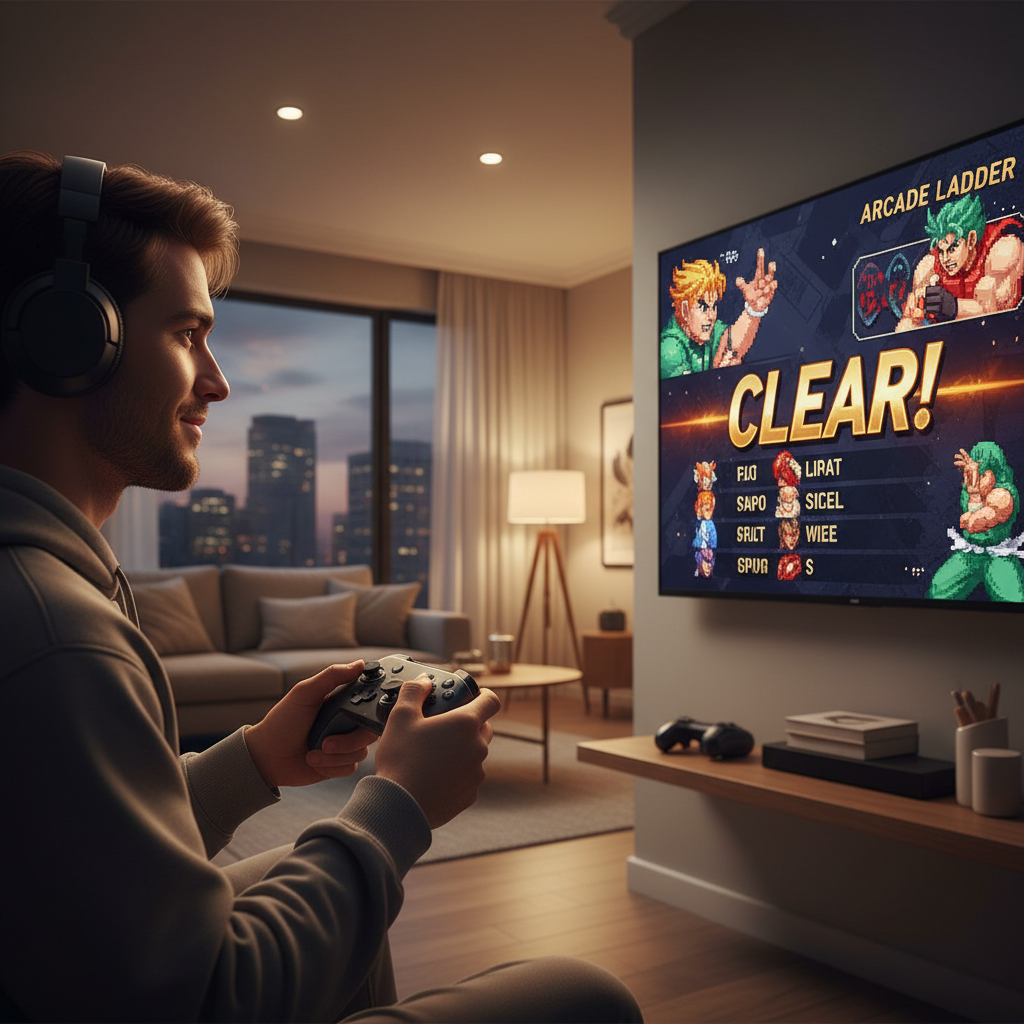
1) Arcade/ladder clears
Old-school approach, still common. The game may require a clear with any character, specific characters, or certain difficulty settings. If there’s a “continue” option, some titles count the clear anyway, some don’t.
- Try a clean run on Normal first, then bump difficulty only if nothing unlocks.
- If the game tracks “No Continues,” assume that matters unless stated otherwise.
2) Story routes and character episodes
Many modern fighters hide unlocks behind story completion because it ensures you touch core mechanics and the roster’s basic matchups.
- Finish the main story once, then check if “Side Stories” or “Character Episodes” exist.
- Look for branching choices, some games require specific routes.
3) Mission towers, time trials, survival, and score attack
These modes often award unlock currency, skins, and sometimes characters. The trick is that the character might be unlocked indirectly after earning enough points.
- Prioritize missions that award large currency bundles or “unlock tickets.”
- Don’t ignore daily/weekly challenges if the game uses live-service rewards.
4) Hidden match triggers
This is the classic “do X during a fight” method: win with a perfect, land a specific finisher, or meet conditions like “win in under 60 seconds.” It’s fun, but also where misinformation spreads fastest.
- Use training mode to practice the required move so you can reproduce it consistently.
- If the trigger seems too random, assume it might be outdated or version-specific.
A table to map your game to the right approach
Different franchise eras tend to lean on different systems. This table won’t replace game-specific requirements, but it helps you choose where to spend your time.
| What you see in menus | Most likely unlock type | What to try first | Common pitfall |
|---|---|---|---|
| Locked portrait + requirement text | Progress gate | Complete the listed mode once | Doing the wrong difficulty/profile |
| Locked portrait + “Buy” or store icon | DLC | Check installed add-ons | Grinding for something not unlockable |
| No character slot shown at all | Hidden/patch content | Check patch notes, roster updates | Following outdated guides |
| Currency shop lists characters | Currency gate | Farm highest payout missions | Spending currency on cosmetics first |
| Random unlock popups after matches | Milestone gate | Play match count milestones | Leaving early so rewards don’t register |
Step-by-step: a reliable unlocking workflow
If you want a repeatable method for how to unlock secret characters in fighting games, use this workflow. It’s not glamorous, but it’s how you avoid doing 30 extra runs for nothing.
Step 1: Confirm the game version and platform behavior
Unlock conditions can change after patches, ports, or “Ultimate” editions. If you’re reading a guide from launch week, treat it as a hint, not a guarantee.
According to Nintendo Support, digital content and downloadable add-ons may require correct user profiles and active downloads to appear in-game, so it’s worth double-checking install status and account selection before troubleshooting unlocks.
Step 2: Target the mode that sets the unlock flags
- If the game has Story, clear it once even if you don’t care about lore.
- If Arcade exists, run it on Normal with one main character, then one alternate.
- If there’s a dedicated “Unlocks” menu, follow that list over any online thread.
Step 3: Optimize for speed without breaking requirements
- Lower difficulty only if the game still counts clears, some titles require at least Normal.
- Turn on match time settings that keep the run fast, but don’t touch options that disable rewards.
- If the game tracks “wins,” don’t quit out early even if you’re farming CPU fights.
Step 4: Validate after each major milestone
Check the roster after every full clear, not after every match. If the game unlocks characters in batches, you’ll save mental energy by treating it like checkpoints.
Common mistakes that make unlocks feel “bugged”
Some issues are genuine bugs, but many are simple mismatches between what you did and what the game actually tracks.
- Wrong profile: progress tied to User A, you’re playing on User B.
- Cloud save conflicts: you restored an older save and lost unlock flags.
- “Continue” rules: the game requires no continues, even if it never says so clearly.
- Offline vs online modes: some unlocks only trigger in offline progression modes.
- Confusing skins with characters: you unlocked a costume color, not the fighter.
When to look for official help (and what to provide)
If you’ve followed the in-game requirements and nothing moves, it’s reasonable to suspect a save issue or content install problem. Many support teams will ask for specifics, so you can save time by collecting them up front.
- Platform and edition name (Standard, Definitive, Ultimate)
- Game version number
- Whether DLC is installed and which account purchased it
- What mode you completed and what the game shows as completed
According to PlayStation Support, add-ons and entitlements can depend on the purchasing account and console activation settings, so if a character is paid content and not appearing, it may be an account-sharing or licensing check rather than an in-game unlock problem.
Key takeaways (save this before you grind)
- Confirm DLC vs gameplay unlock before you chase a requirement that doesn’t exist.
- Clear Story and Arcade early, many games use them as unlock anchors.
- Use a simple workflow: version check, correct mode, speed-safe settings, milestone validation.
- If it still fails, document your setup and contact official support with details.
Conclusion: unlock smarter, not longer
The most reliable answer to how to unlock secret characters in fighting games is less about secret button codes and more about reading the game’s progression logic, then testing one mode at a time. Pick the highest-confidence path, validate after each clear, and treat anything that smells like DLC as a store/account question instead of a gameplay puzzle.
If you want one action to take right now, open your platform’s installed content list and your in-game unlocks menu side-by-side, then choose one mode to finish fully before you bounce to the next.
FAQ
How do I know if a “secret character” is actually DLC?
If the character has a store icon, a “Buy” button, or appears as a separate add-on in your platform store, it’s usually DLC. In that case, your problem is install/account licensing, not an unlock condition.
Do I need to beat Arcade on hard to unlock characters?
Sometimes, but many games accept Normal. If there’s no requirement text, start with a clean Normal clear and only raise difficulty after you confirm nothing unlocks.
Why didn’t my unlock pop after I met the requirement?
Common reasons include using a different profile, quitting out before the results screen, or completing the right mode in the wrong ruleset. Also check for cloud save rollbacks after reinstalling.
Can I unlock secret characters by playing online matches?
It depends on the title. A lot of games reserve unlock flags for offline modes to prevent farming or desync issues, while online play may award currency that indirectly unlocks fighters.
What if the game has an “unlock all characters” option?
That usually means the game supports both paths: grind or pay to skip. If your goal is learning matchups fast, the skip can be practical, but it’s not required in many cases.
Are classic button-code unlocks still a thing?
Occasionally, especially in retro collections or homage titles, but they’re less common than progress gates. If you see a code online, verify it matches your game version and platform.
Can updates change unlock requirements?
They can. Balance patches, roster expansions, or “complete edition” releases sometimes rearrange how characters unlock, which is why patch notes and official guides matter more than old forum posts.
If you’re stuck and want a more efficient route, using an official unlock list, a version-matched community checklist, or even a roster unlock pack can save time, especially when you just want to practice matchups instead of replaying modes.