
best vr game updates 2026 is less about chasing every patch note and more about knowing which updates actually change how a game feels in-headset: smoother performance, better hand tracking, smarter comfort options, and multiplayer that finally behaves.
VR updates can be confusing because they arrive in different places, platform stores, Steam branches, in-game toggles, and sometimes as “silent” backend changes. If you only read headlines, you miss the part that matters: whether the update fixes your specific pain point, like stutter in big fights or motion sickness after 20 minutes.
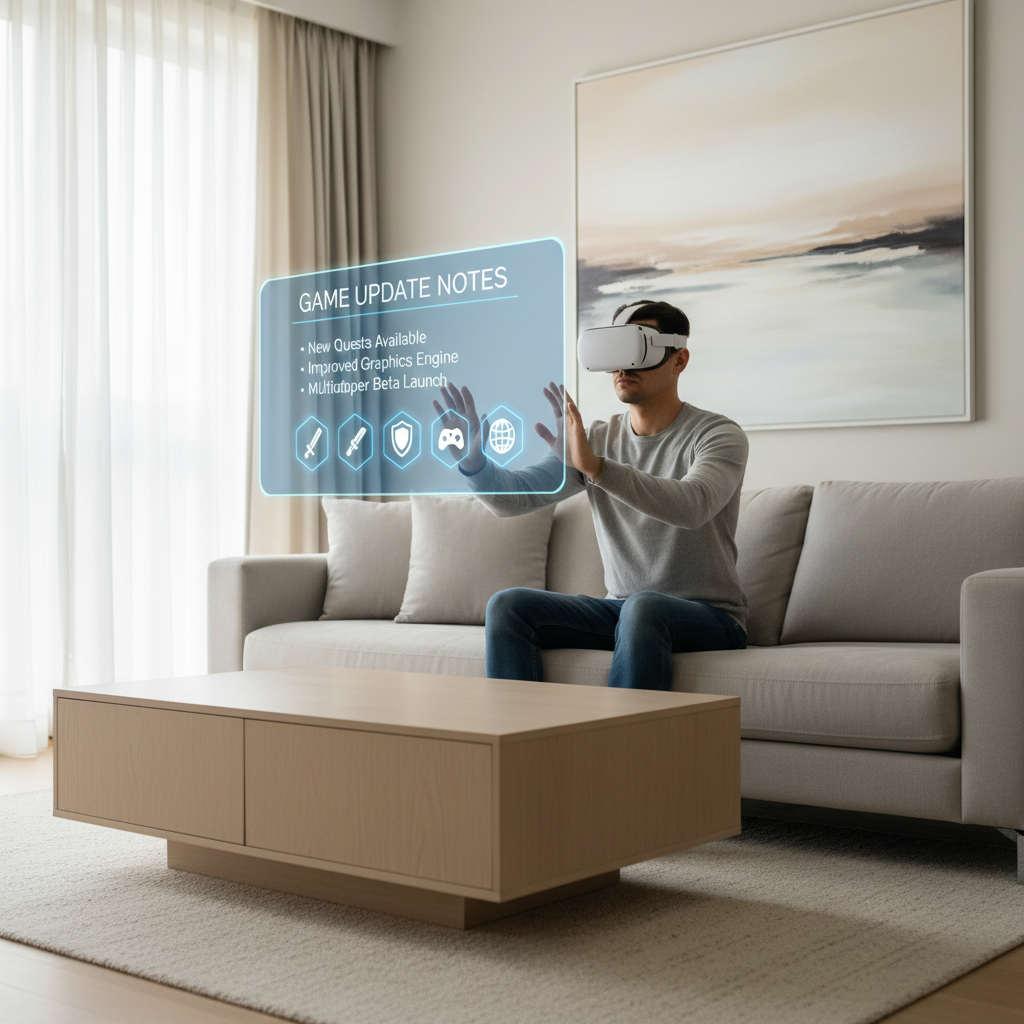
This guide focuses on what’s worth paying attention to in 2026, how to spot updates that matter, and a practical way to keep your library current without turning VR into a second job.
Key takeaways:
- Comfort and performance updates usually deliver the biggest quality-of-life gains.
- Content drops matter most when they add replay loops, not just cosmetics.
- Multiplayer patches are valuable when they fix matchmaking, netcode, and moderation tools.
- A simple “update triage” routine saves time and avoids breakage from rushed installs.
What “best” VR game updates look like in 2026
In 2026, the updates players call “best” tend to fall into a few buckets that you can actually feel within minutes. New maps are nice, but the real wins are the ones that remove friction.
1) Performance and stability (the unglamorous hero)
Look for improvements like reduced frame-time spikes, faster loading, fewer headset-specific crashes, and better shader compilation behavior. On PC VR, a patch that cuts stutter in half beats a new skin pack every time.
2) Comfort controls that respect different bodies
Good updates expand locomotion options, vignette tuning, snap-turn increments, seated mode support, and one-handed accessibility. According to Oculus (Meta) best-practice guidance for VR comfort, reducing sensory mismatch and offering multiple locomotion options can help more people play longer.
3) Input modernization
Hand tracking refinements, more reliable gesture detection, and better haptics mapping can transform games that used to feel “floaty.” When you see mentions of controller prediction, late-latching, or improved IK, that’s often a meaningful change, even if it reads technical.
4) Live ops that adds replay value
Seasonal events matter when they add new modes, progression, or meaningful challenges. If it’s mostly cosmetics, it’s optional unless you care about collecting.
A quick table: updates worth your attention vs. easy-to-skip
Use this as a fast filter when you’re scanning store blurbs, Steam news, or Discord announcements. It’s not perfect, but it keeps you from spending your night downloading things that won’t affect your experience.
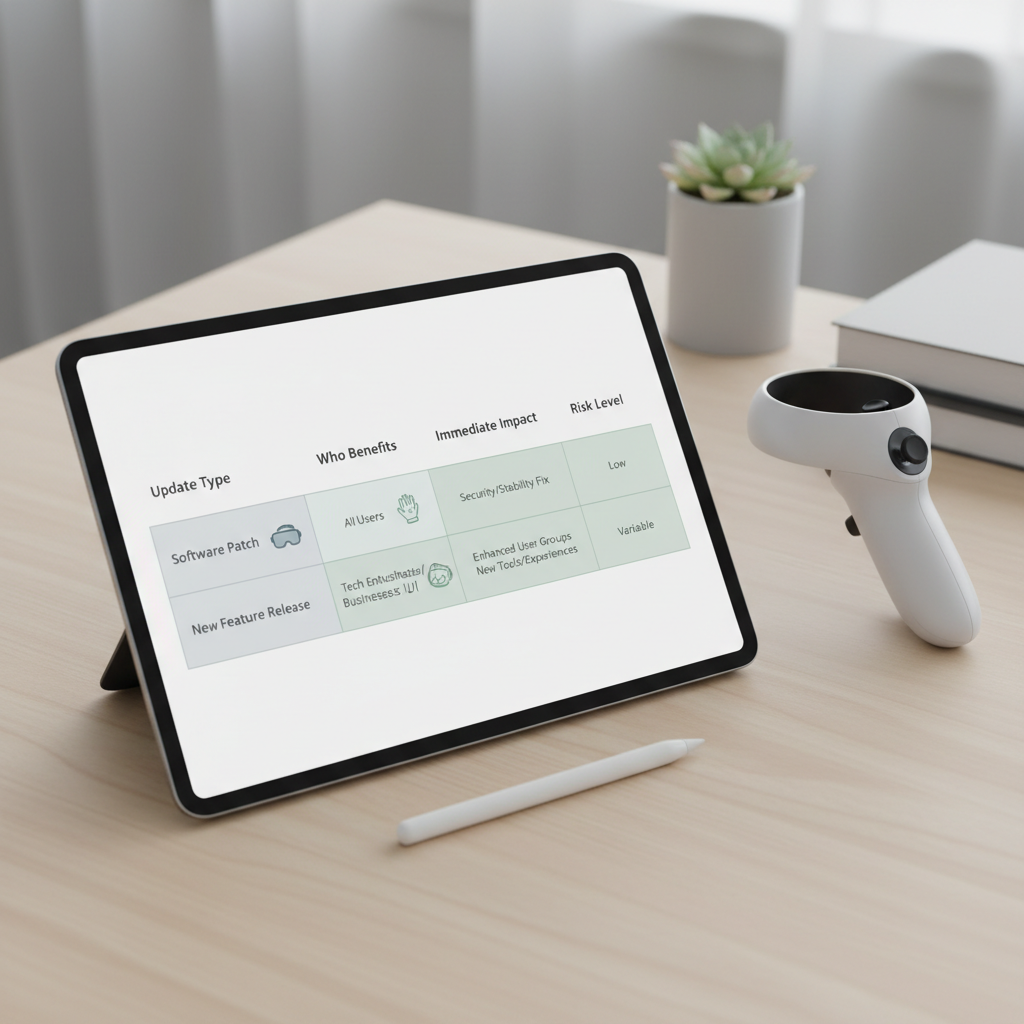
| Update type | Usually helps | What you’ll notice | Risk of breaking things |
|---|---|---|---|
| Performance/stability patch | Everyone, especially PC VR | Less stutter, fewer crashes | Low to medium |
| Comfort & accessibility options | Sensitive players, newcomers | Longer sessions, less nausea | Low |
| Input/hand tracking overhaul | Quest-style standalone users | More reliable interactions | Medium |
| Multiplayer netcode/matchmaking | Competitive/social players | Fewer drops, fairer matches | Medium |
| New map/mode/content drop | Regular players | Fresh gameplay loops | Medium |
| Cosmetics/store refresh | Collectors | Visual changes only | Low |
Common reasons VR updates feel “bad” (even when they’re not)
Plenty of 2026 patch drama comes down to expectations and setup, not developer intent. A few patterns show up again and again.
- Auto-updates change settings: an update resets render scale, comfort defaults, or locomotion to “recommended,” and suddenly the game feels worse.
- Platform mismatch: your headset version updates, but the PC client or mod loader doesn’t, causing weird bugs that look like “the patch ruined it.”
- Network changes: matchmaking tweaks can feel worse for a week while population redistributes.
- Patch-note ambiguity: “stability improvements” might mean one crash fix you never hit, so your experience stays the same.
Also, if you rely on mods, any major update can be disruptive. That’s not a moral failing on either side, it’s just how dependency chains work.
Self-check: are you actually benefiting from the best VR game updates 2026?
If your library is big, it’s easy to update everything and still feel like nothing improved. This quick checklist helps you decide what to install now, what to delay, and what to ignore.
- You should update ASAP if patch notes mention your headset, your GPU class, or your recurring crash.
- You should update soon if it’s a comfort/accessibility patch and you get fatigue or motion discomfort.
- You can wait if you play solo and it’s mostly multiplayer balance.
- You should be cautious if you use mods, custom bindings, or unofficial launchers.
- You can skip for now if it’s cosmetics only and storage is tight.
One more honest filter: if you haven’t launched the game in 90 days, updating it “just because” is usually wasted bandwidth unless you plan to return this week.
How to track and prioritize updates without living on Discord
The most sustainable approach is a simple funnel: catch important updates early, batch everything else. That’s how you keep up with best vr game updates 2026 without burning out.
Set up a lightweight “signal” system
- Steam: follow game news, enable update downloads only during off-hours.
- Headset store (Meta/PSVR2): keep auto-update on, but review “recently updated” once a week.
- One source of truth: pick either official patch notes page or the studio’s announcement channel, not five social feeds.
Use a two-tier schedule
- Tier A (install within 24–72 hours): hotfixes, crash fixes, performance improvements, security-related notices.
- Tier B (batch weekly/biweekly): content drops, balance changes, cosmetics, small UI tweaks.
According to Valve (Steam) documentation and support guidance around game updates and branches, developers may publish different builds (for example, public vs. beta branches). If you opt into betas, treat that as “Tier A risk,” even when it sounds exciting.
Practical setup tips to feel the improvement after updating
A surprising number of “this update did nothing” complaints are really “my settings didn’t match the new defaults.” Spend five minutes here and you’ll usually feel the difference.
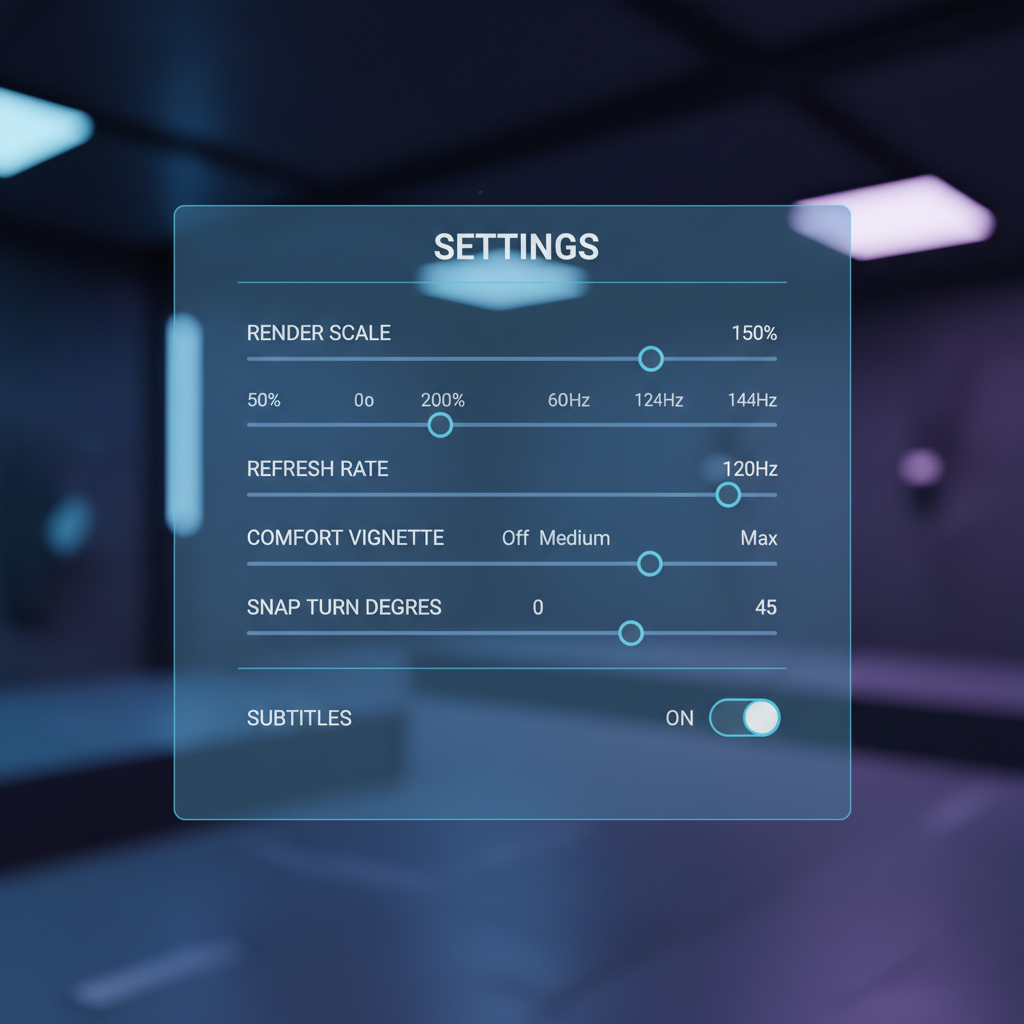
- Re-check render scale and refresh rate: many updates adjust recommended values. If you see shimmering or blur, confirm supersampling settings.
- Reset and rebind controls: especially after input updates. Old bindings can cause “my grip doesn’t work” moments.
- Revisit comfort toggles: vignette strength, snap vs. smooth turn, acceleration curves, and head-based vs. hand-based direction.
- Clear shader cache only if needed: on PC VR, this can fix post-update stutter, but it may increase stutter for the first few launches while rebuilding.
- Test in a known scene: load a familiar level and compare frame pacing and tracking before judging the patch.
If you’re sensitive to motion sickness, changes in locomotion can hit unexpectedly. Many people do better by easing into new movement settings in short sessions; if symptoms persist, consider pausing and, if needed, consult a medical professional.
Common mistakes that waste time (or make updates feel worse)
- Updating everything right before a friend session: if something breaks, your night disappears into troubleshooting.
- Chasing “pro” settings from social clips: higher resolution can introduce reprojection and feel worse than a stable baseline.
- Ignoring headset firmware notes: sometimes the platform update is the real reason tracking changed.
- Assuming rollback is always easy: on standalone platforms, rollback often isn’t supported, so “wait a day” can be the smarter move.
One practical habit: take screenshots of your performance and comfort settings before major updates. It’s boring, but it turns a two-hour mystery into a two-minute fix.
When to seek extra help (and what to ask for)
If you’ve tried the basics and the game still performs worse after an update, it’s usually time to gather specifics and ask the right place, not just post “it’s broken.”
- Contact official support when you see repeatable crashes, account issues, missing purchases, or platform-level tracking problems.
- Use community forums when the issue is graphics settings, controller bindings, or known bugs with workarounds.
- Ask a PC-savvy friend if you’re dealing with driver conflicts, OpenXR runtime switching, or mod conflicts.
Include: headset model, platform (Steam/Meta/PS), game version, what changed after updating, and one clear reproduction step. According to Microsoft documentation on OpenXR, runtime selection and compatibility can affect how XR apps behave, so that detail matters more than people expect.
Conclusion: make 2026 updates work for you, not the other way around
The most useful best vr game updates 2026 are the ones that remove friction: smoother frame pacing, better comfort controls, more reliable input, and multiplayer that wastes less of your time. You don’t need to install everything instantly to benefit.
If you want a simple next step, pick three games you actually play, skim the last two update notes for each, then do one quick settings check after installing. That small loop is enough to keep your VR nights feeling fresh without turning into maintenance work.