
best vr building games 2026 is a search that usually means one thing: you want the satisfying “I made this” feeling in VR, without buying something that looks cool in trailers but feels clunky after 20 minutes.
The catch is that “building” in VR can mean very different things, from cozy block-stacking to physics-heavy engineering sandboxes, and the right pick depends on comfort, controls, and what kind of creativity you actually enjoy.
This guide narrows the field with practical comparisons, a quick self-check, and a few setup tips that make construction games feel less fiddly and more flowy, especially if you play on Quest or PC VR.

What “building games” in VR really split into (and why it matters)
If you pick purely by screenshots, you can end up with the wrong kind of building loop. In 2026, most VR builders still fall into a few buckets, and each bucket “feels” different in your hands.
- Creative sandbox building: freeform blocks, voxel tools, prefab pieces, quick iteration.
- Physics construction: weight, balance, joints, and real-time collapse, fun but more demanding.
- Crafting/survival building: gather resources, unlock recipes, build to progress.
- Automation/engineering: wiring, logic, conveyers, circuits, testing and debugging.
- Social building: co-op creation, shared worlds, often with moderation and comfort tradeoffs.
Before you even look at a “top list,” decide which bucket you want, because the best vr building games 2026 for calm creativity can be the worst choice for someone who wants complex engineering puzzles.
How to choose fast: a 2-minute self-check
This is the part most “best of” articles skip. Answer these honestly and your shortlist gets smaller fast.
- Comfort tolerance: Do you get motion sick with smooth locomotion, or do you prefer teleport and snap turning?
- Input preference: Controllers only, or do you specifically want hand tracking support?
- Session length: Quick 15–30 minute builds, or long projects you revisit for weeks?
- Mess tolerance: Are you okay with physics chaos, or do you want clean grid snapping?
- Solo vs co-op: Do you want quiet solo “flow,” or collaborative building with voice chat?
- Creation goal: Pretty structures, functional machines, or “toy box” experiments?
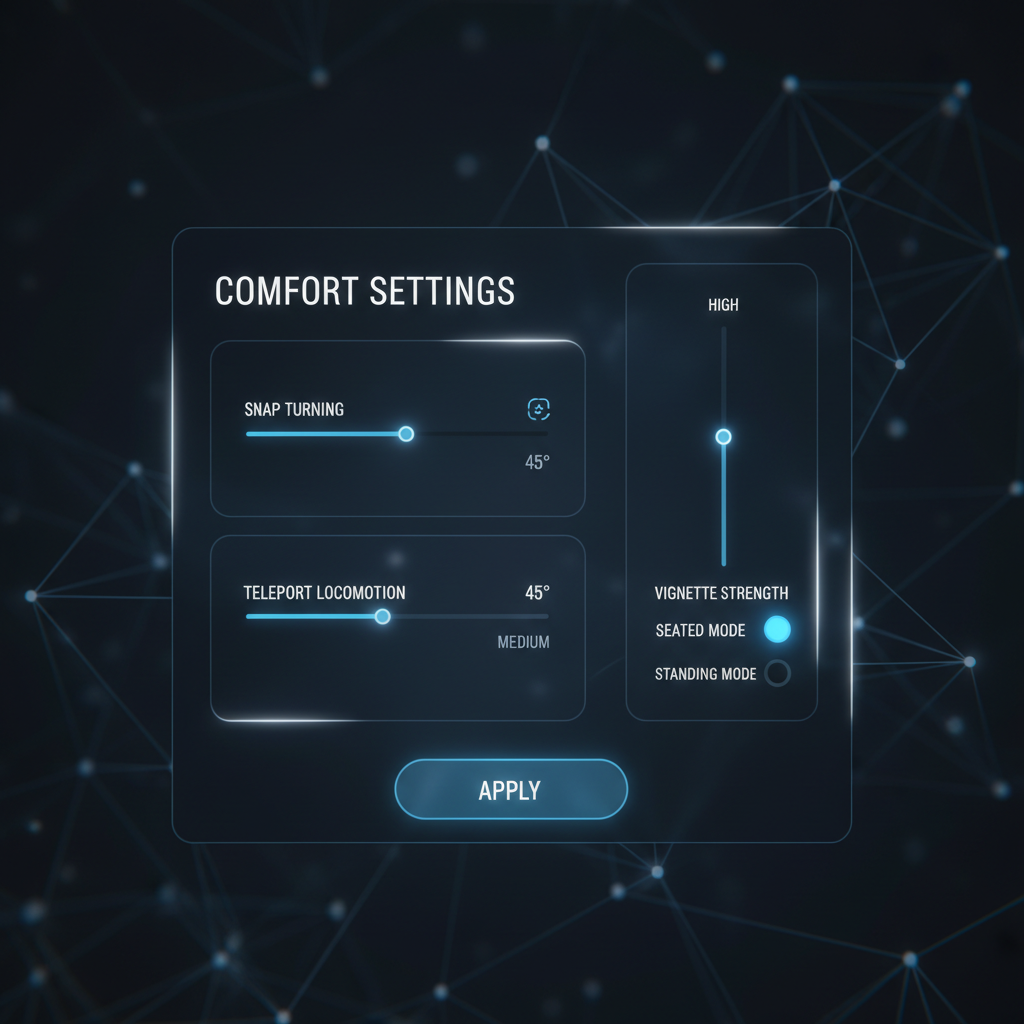
If you’re sensitive to motion, prioritize builders with strong comfort options and stationary/room-scale modes. According to Meta (Quest comfort guidance), comfort features like snap turning and vignettes can help reduce discomfort for many players, and games that expose these toggles tend to be easier to stick with.
Best VR building games 2026: quick comparison table
Rather than pretending there’s one winner, this table highlights what each type tends to do well, what can frustrate people, and who it fits. Use it like a filter.
| Category | Best for | Common friction | Comfort risk |
|---|---|---|---|
| Cozy block/prefab builders | Relaxing creative sessions, easy sharing | Limited depth, repeats over time | Low |
| Physics construction sandboxes | Experimenting, “toy box” engineering | Objects drift, precision feels hard | Medium |
| Survival/crafting building | Progression-driven building, goals | Grinding resources, inventory management | Medium to high (movement) |
| Automation and logic builders | Systems thinkers, circuitry, debugging | Steep learning curve | Low to medium |
| Social creation platforms | Co-op builds, events, shared spaces | Moderation, performance variance | Medium (busy scenes) |
Key takeaway: if you want “building” to feel like sculpting with your hands, lean sandbox/prefab. If you want “building” to feel like solving, lean automation and physics.
What usually makes VR building feel “bad” (so you can avoid it)
A lot of disappointment comes from the same few pain points, and they’re predictable.
Precision problems: snapping, scale, and grabbing
In VR, tiny alignment errors feel bigger because your hands are the cursor. Games that offer grid snapping, angle snapping, and scale guides reduce that “why won’t this line up” friction.
- Look for: snap increments, axis locks, quick rotate steps, duplicate/clone tools.
- Watch out for: pure free-grab building with no alignment aids unless physics play is the goal.
Performance and sim overload
Building invites “more objects,” and more objects can mean stutters. That can ruin comfort and make creative work feel like a chore.
- Prefer games with object limits that scale gracefully, and clear save/blueprint systems.
- If you’re on standalone VR, be realistic about very large, heavily lit scenes.
Locomotion mismatch
Some builders assume you’re fine moving around constantly. If you’re not, you’ll spend more energy managing nausea than designing.
- Prioritize: teleport, snap turning, adjustable vignette, seated mode, “grab world” movement.
- Nice bonus: build-from-menu tools that bring parts to you, not the other way around.
Practical recommendations by player type (pick your lane)
Instead of naming one universal “best,” here are the profiles that most people map to when searching best vr building games 2026, and what to look for in the store page and reviews.
If you want relaxing, low-friction building
- Tools: strong snapping, easy copy/paste, undo history you can trust.
- Content: lots of prefab sets, materials, lighting props.
- Comfort: room-scale friendly, minimal forced movement.
This is the lane where “feel” matters more than complexity. If the grab-and-place loop is smooth, you’ll build more.
If you want engineering, machines, and problem-solving
- Systems: logic gates, wiring, programmable components, testing tools.
- Feedback: clear UI readouts, error hints, simulation speed controls.
- Sharing: blueprint import/export saves you from rebuilding basics.
Many players bounce off because they treat it like a toy box, then get stuck. Treat it like a workshop: start with a tiny working module, then scale.
If you want co-op building (and less chaos)
- Permissions: build roles, object locking, rollback.
- Voice tools: push-to-talk, mute controls, reporting options.
- Stability: dedicated servers or solid hosting, plus performance options.
Social creation is fun, but it’s also where quality swings hardest, so rely on recent patch notes and community health signals, not old highlight reels.

Hands-on setup tips that make building smoother (Quest and PC VR)
You can make a “good” builder feel great with a few adjustments. This is the unsexy part, but it saves time and headaches.
- Calibrate your play space: stable boundary and correct floor height reduce constant reach errors.
- Lower sensitivity, increase snapping: for precision games, slower rotation plus bigger snap steps often feels more controllable.
- Use wrist/laser switching: if a game supports both direct grab and laser selection, swap based on task instead of forcing one style.
- Plan for fatigue: long builds can strain shoulders; seated mode or resting your elbows can help, and if you feel pain, consider taking breaks or asking a health professional.
- PC VR tuning: lock a stable frame rate over chasing ultra settings, since stutter can raise discomfort for many people.
According to Valve (SteamVR documentation and best-practice guidance), maintaining stable performance and using comfort options can improve user experience, especially in motion-heavy apps.
Common mistakes when shopping “best of” lists
These traps show up every year, and they’re exactly why two people can buy the “same top pick” and have opposite reactions.
- Ignoring locomotion details: a builder can be brilliant and still unusable for you if it forces smooth movement.
- Overvaluing content count: 500 parts means little if selection and snapping feel awkward.
- Assuming hand tracking is mature everywhere: it’s improving, but controllers often remain more consistent for precision.
- Skipping community signals: active updates, mod tools, and clear dev communication usually matter more than launch hype.
- Buying for “endgame” you may not reach: complex automation games shine later, but you need a friendly on-ramp.
Conclusion: a simple way to pick your next VR builder
If you’re trying to choose from the best vr building games 2026 contenders, anchor on one decision: do you want calm creation, physics play, progression survival building, or logic and automation. Once that’s clear, comfort settings and tool quality become the real tie-breakers.
Action step one: shortlist 2–3 games that match your bucket and comfort tolerance, then read recent reviews for words like “snapping,” “undo,” “performance,” and “locomotion.” Action step two: when you install, spend five minutes adjusting comfort and snapping before you start your first serious build, it pays off quickly.