best vr drawing apps 2026 is a surprisingly practical search, because VR art tools now range from quick sketch spaces to production-friendly 3D painting suites, and picking the wrong one usually means friction, not fun.
If you mainly want to draw for relaxation, you can prioritize comfort, simple brushes, and an easy export button. If you want portfolio work, you’ll care more about layers, symmetry, clean strokes, and formats that play nicely with Blender, Adobe, or game engines.
This guide narrows the field the way a working editor would, what each app feels good at, where it tends to frustrate people, and what to check before you commit time to a new workflow.
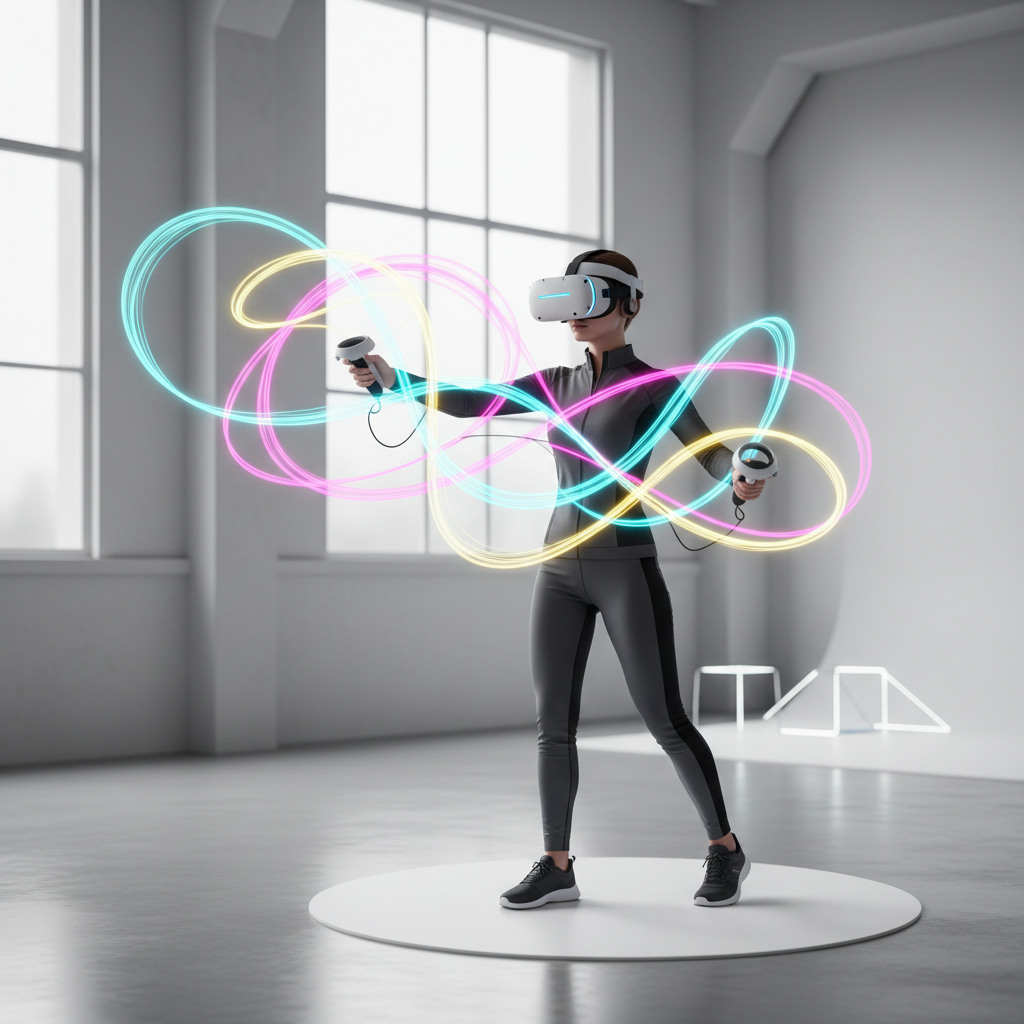
Quick picks: the best VR drawing apps by goal
Most people don’t need “the one best” app, they need the best fit for a goal. Here are common targets and the apps that typically match them well.
- Fast 3D sketching and ideation: Open Brush, Gravity Sketch
- Illustration-style painting in VR: Vermillion, Painting VR
- Stylized 3D painting with big brush energy: Tilt Brush (classic), Open Brush (modern fork)
- Hard-surface concept and product forms: Gravity Sketch
- Character sculpt pipeline (more than “drawing”): Adobe Medium (if available on your setup), plus sculpt alternatives outside this list
One caveat, availability shifts by headset and store region. When you see a recommendation, verify it exists on your device and that updates still look active.
Comparison table: top VR drawing apps (what matters in real use)
This table focuses on the factors that usually decide whether you stick with an app after the honeymoon week.
| App | Best for | Strengths | Watch-outs | Exports |
|---|---|---|---|---|
| Open Brush | 3D painting, learning | Accessible, lots of brushes, community energy | Less “pro pipeline” polish than CAD-like tools | Common 3D formats vary by build |
| Tilt Brush | Classic VR painting | Iconic feel, expressive strokes | Update cadence may be limited; ecosystem moved on | Typical 3D exports depending on platform |
| Gravity Sketch | Design, form, concept | Curves, surfaces, iteration, strong spatial workflow | Learning curve, “drawing” feels more technical | Workflow-friendly 3D exchange formats |
| Vermillion | Oil painting vibe | Natural mixing feel, calm studio vibe, great for practice | Not built for 3D strokes and huge scenes | Image exports |
| Painting VR | Casual painting | Simple, approachable, good “pick up and paint” loop | Less depth for advanced techniques | Image exports |
How to choose: the 6 checks that save you hours
When people bounce off a “top app,” it’s usually one of these mismatches, not talent or patience.
- Your headset + controllers: Some apps feel dramatically better with precise tracking or better ergonomics.
- 2D vs 3D output: If you need flat images, a VR painting studio matters more than 3D stroke tools.
- Export path: Decide where the work goes next, portfolio JPG/PNG, Blender, Unreal, or a client deck.
- Brush engine feel: Expressive “glow strokes” and realistic paint mixing scratch different creative itches.
- Scene complexity: Big scenes can stutter on standalone headsets, which kills the flow fast.
- Comfort and session length: If you want 45–90 minute sessions, comfort features matter as much as features.
According to Apple, users should take regular breaks when using head-mounted displays, and that advice translates well to long VR art sessions too. If you notice eye strain, headaches, or nausea, shorten sessions and consider consulting a medical professional.
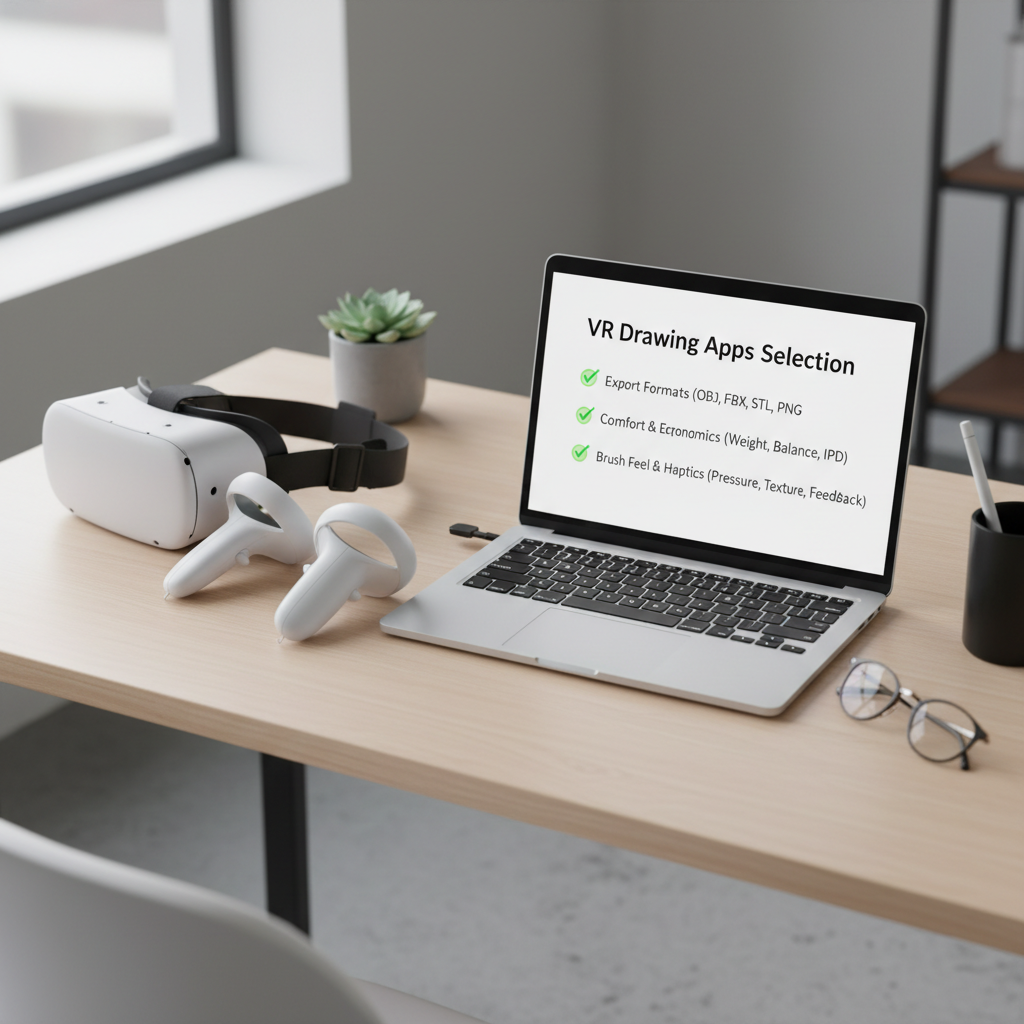
App-by-app notes (what each one is actually good at)
Open Brush
Open Brush is often the easiest recommendation in a best vr drawing apps 2026 roundup because it keeps the “playful 3D paint” feeling while staying approachable for new users.
- Great at: quick 3D doodles, expressive motion strokes, learning VR art basics
- Not ideal when: you need a strict industrial design pipeline or ultra-clean surfaces
- Tip: set a limited brush palette early, too many brush options can slow you down creatively
Gravity Sketch
Gravity Sketch is less “paint in the air,” more “draw to build form.” If you like curves, silhouettes, proportion, and iterate-fast design thinking, this is the one that tends to stick.
- Great at: product concepting, vehicle forms, spatial layout, design reviews
- Not ideal when: you want painterly texture and color mixing as the main event
- Tip: start with simple primitives and curves, then refine, don’t begin with detail
Vermillion
Vermillion focuses on the studio painting experience. People who want to practice fundamentals often prefer this to “neon 3D strokes,” because it rewards slow observation and brush control.
- Great at: oil painting feel, calm practice sessions, color mixing mindset
- Not ideal when: you need 3D geometry or immersive scale drawings
- Tip: treat it like a daily sketchbook, short studies beat marathon masterpieces
Painting VR
Painting VR is usually the comfort pick. If the goal is relaxing creation, not production, the simplicity becomes a feature.
- Great at: casual painting, quick wins, low learning curve
- Not ideal when: you want advanced composition tools, layers, or complex exports
- Tip: use a reference image outside VR, then paint in timed passes
Tilt Brush (classic)
Tilt Brush still has a unique feel and a lot of cultural momentum, but in 2026 many creators treat it as a classic tool rather than the center of a pipeline.
- Great at: iconic VR “light painting,” expressive showpiece scenes
- Not ideal when: you need ongoing feature improvements or tight integration
- Tip: keep scenes lightweight and focus on composition and motion
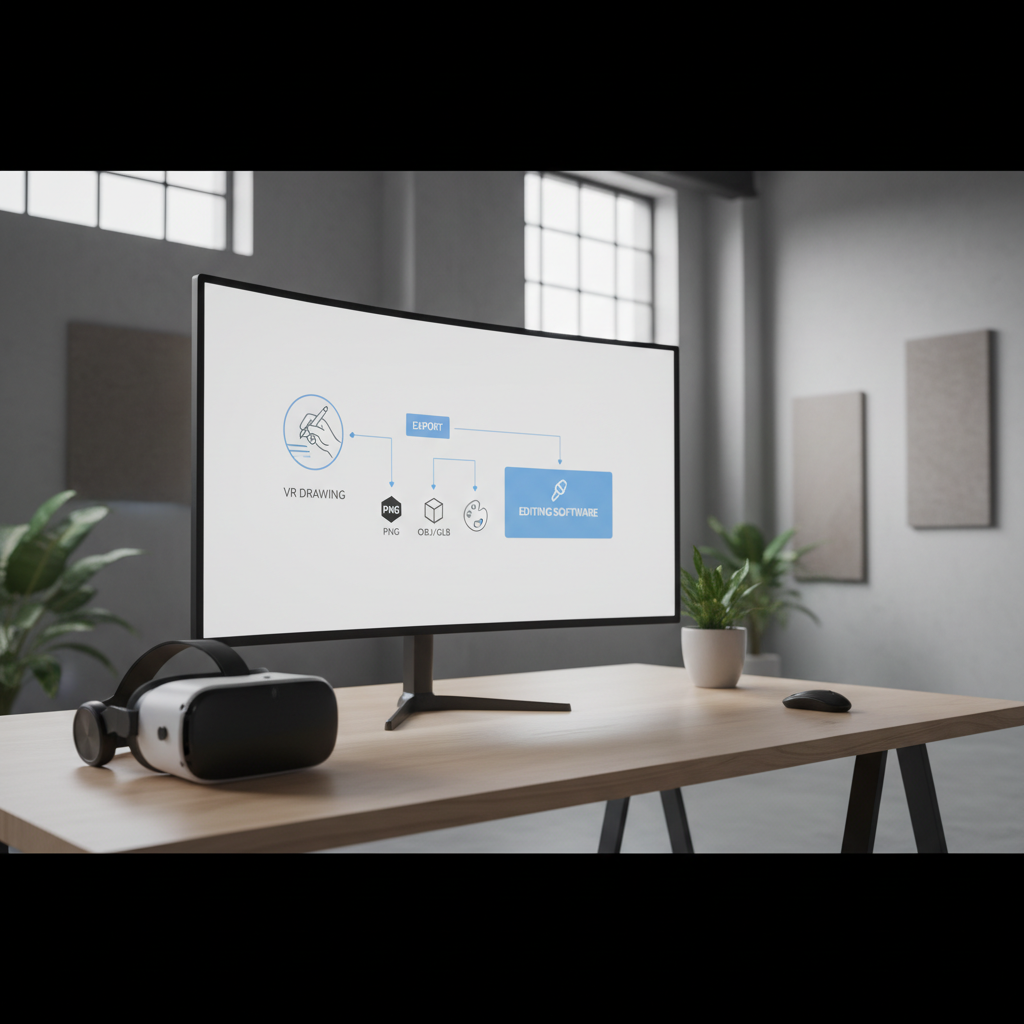
Practical workflow: from VR sketch to shareable output
If you want your work to survive outside the headset, set a tiny workflow early. This avoids the common trap where you make cool things, then can’t use them anywhere.
A simple 30-minute repeatable workflow
- Step 1: Start with a subject goal, one sentence, like “helmet silhouette studies” or “moody alley lighting.”
- Step 2: Limit tools, 3–5 brushes max, one color palette, one canvas or scene scale.
- Step 3: Do a rough pass for shape and gesture, don’t polish.
- Step 4: Export a draft early, even if it looks bad, so you confirm the file path works.
- Step 5: Iterate with constraints, add detail only after the second export succeeds.
For many people searching best vr drawing apps 2026, the “best” app ends up being the one that exports cleanly and predictably, even if it has fewer flashy brushes.
Mistakes to avoid (the stuff that quietly ruins VR art sessions)
- Chasing features before comfort: if your headset fit hurts, no brush pack fixes that.
- Building huge scenes too early: performance drops break hand-eye flow, especially on standalone devices.
- Skipping exports until the end: many workflows fail at the finish line, test exports on day one.
- No scale decision: if you don’t choose “miniature” vs “life-size,” composition gets weird fast.
- Over-polishing in VR: VR is amazing for blocking and style, but micro-detail often works better on desktop after export.
According to Meta, maintaining a clear play area and using boundary features can reduce collision risk. If your drawing involves wide arm movement, clearing space matters more than you think.
Conclusion: picking your best option for 2026
The best vr drawing apps 2026 list only helps if you map it to your intent. If you want expressive 3D painting, Open Brush remains an easy start. If you want form and design iteration, Gravity Sketch tends to pay off. If you want a calm studio for fundamentals, Vermillion often feels right.
Action steps: pick one app, run the 30-minute workflow twice this week, and confirm exports into the tool you already use. That’s usually enough to know whether it’s a keeper or just a fun demo.