
Best vr gaming setup for beginners usually means one thing: you want VR that feels smooth, comfortable, and “it just works” without wasting money on the wrong headset, weak hardware, or a cramped play space.
Beginners often get stuck on the same questions, PC VR or standalone, how much space is “enough,” what accessories actually help, and how to avoid that first-night nausea that makes people quit.
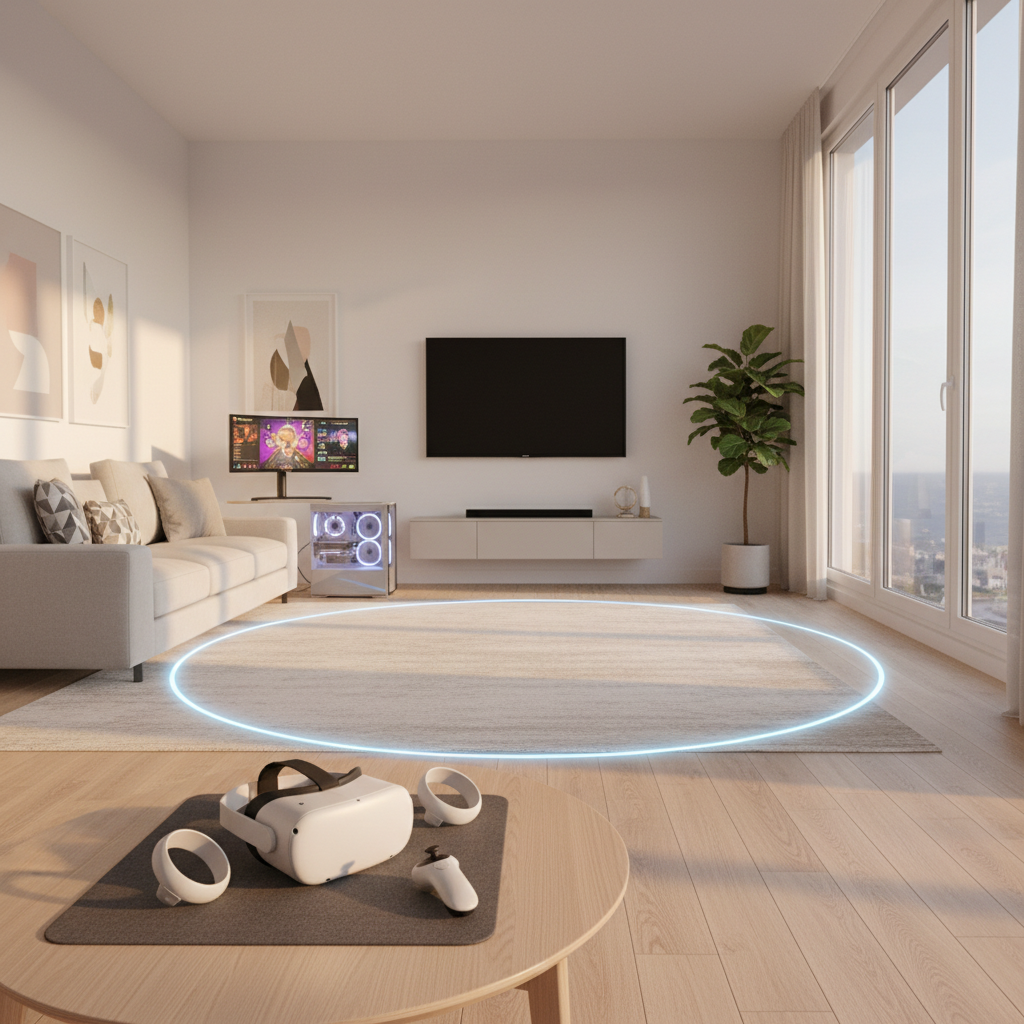
This guide breaks it down like an editor would, not a spec-sheet dump: the setups that fit common beginner budgets, a quick self-check to choose the right category, plus a simple build list you can follow in an hour.
Choose Your VR “Type” First (Standalone vs PC VR vs Console)
If you pick the wrong category, everything else becomes a workaround. Here’s the practical difference.
- Standalone VR: headset runs games by itself. Easiest entry, fewer cables, typically the best starting point for most people.
- PC VR: headset connects to a gaming PC for higher fidelity and more demanding titles. More setup, more ways to misconfigure, but great visuals when done right.
- Console VR: depends on a compatible console and headset ecosystem. It can be “plug-and-play,” but you’re locked into that platform.
According to Meta (official headset support and safety guidance), keeping a clear play area and following device setup prompts matters as much as raw specs for a good first experience.
A Quick Self-Check: Which Beginner Setup Fits You?
Answer these honestly, it saves you from buying “aspirational” gear that becomes a drawer item.
- You want the simplest start: choose standalone, add comfort accessories later.
- You already have a mid/high-end gaming PC: PC VR becomes realistic, especially if you like sims, modded games, or high-end visuals.
- You get motion sick easily: prioritize comfort, stable frame rate, and beginner-friendly locomotion options over max resolution.
- You live in a small apartment: prioritize seated/standing play and cable management, room-scale can wait.
- You wear glasses: plan for a spacer or prescription inserts, don’t “just squeeze” your frames in.
The Beginner VR Setup Checklist (What You Actually Need)
Most starter setups fail for boring reasons: poor fit, bad lighting, unstable Wi‑Fi, or unsafe room layout. Start with fundamentals.
Core gear
- VR headset + controllers (the platform choice you made above)
- Stable internet for downloads and updates (especially on standalone)
- Audio: built-in can work, but simple wired earbuds often reduce distractions
Nice-to-have upgrades that genuinely help
- Comfort strap (better weight distribution, fewer “face pressure” complaints)
- Facial interface (hygiene and fit; especially helpful if multiple people share)
- Controller grips (more secure hold for active games)
- Lens protection (especially if glasses are involved)
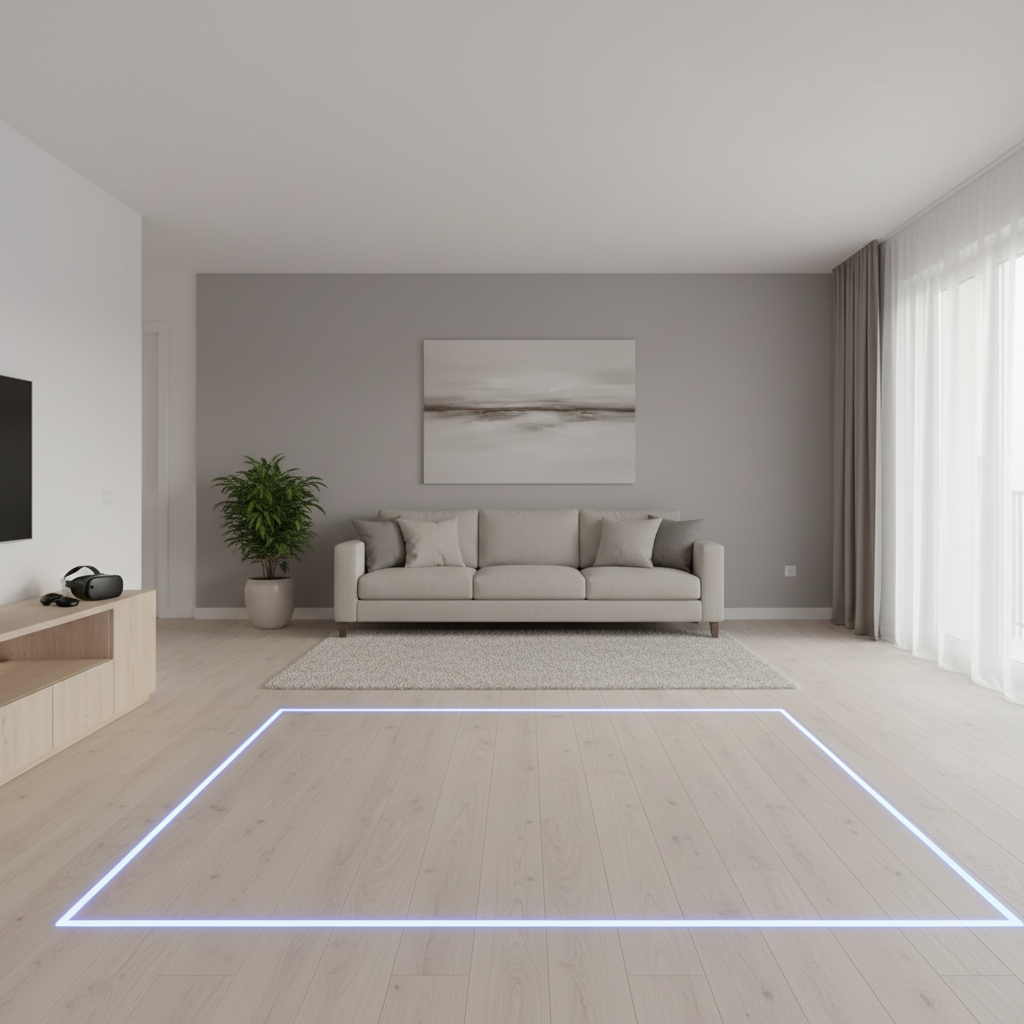
Room basics matter more than people expect: clear the floor, remove trip hazards, and avoid direct sunlight on headset lenses. According to U.S. Consumer Product Safety Commission (CPSC), consumer safety guidance consistently emphasizes preventing trips and falls in home environments, VR makes that even more relevant because your vision is blocked.
Recommended Beginner Setups (By Budget and Situation)
Instead of pretending there’s one “perfect” answer, here are common, realistic bundles. You can tweak based on sales and availability.
| Beginner scenario | Best-fit setup | Why it works | Watch-outs |
|---|---|---|---|
| Most people starting from scratch | Standalone headset + comfort strap + small mat | Fast setup, fewer compatibility issues | Storage space, battery habits, Wi‑Fi stability |
| You own a capable gaming PC | PC VR headset or standalone with PC link + good router/USB | Higher fidelity, broader library for PC titles | Driver updates, USB/cable quality, GPU load |
| Small room / apartment | Standing/seated VR + cable management + boundary tuning | Playable without “room-scale” stress | Don’t overestimate your safe zone |
| Sweaty fitness games | Standalone + sweat-friendly facial interface + extra face pads | Hygiene and comfort stay manageable | Clean gear regularly, let it dry fully |
PC VR: Specs and Settings That Matter (Without Going Full Engineer)
If you’re building the best vr gaming setup for beginners around a PC, don’t start by chasing max resolution. Start by targeting smooth frame pacing, that’s what your brain notices.
- GPU: midrange or better is typically needed for stable VR in modern titles; check the headset maker’s compatibility page.
- CPU: a recent mainstream CPU usually works; VR dislikes background tasks more than people think.
- RAM: 16GB is a common baseline; heavy sims and modded games may want more.
- Storage: SSD helps with load times and stutter in some cases.
For settings, keep it beginner-simple:
- Prioritize frame rate over ultra graphics. Drop shadows and supersampling before you drop refresh rate.
- Turn on motion smoothing/reprojection only if you understand the trade-off; it can help comfort, but artifacts bother some people.
- Use a wired connection first if wireless streaming feels unstable, then optimize Wi‑Fi later.
Comfort and Motion Sickness: Practical Fixes That Usually Help
Motion sickness isn’t a “you problem,” it’s often a mismatch between movement style, frame stability, and fit. According to Mayo Clinic, motion sickness can be triggered when your eyes and inner ear send conflicting signals, VR can create that conflict for some users.
Things that often help beginners (without overcomplicating it):
- Start with comfort-friendly games: teleport movement, stationary experiences, slower pacing.
- Short sessions: 10–20 minutes, break, then repeat. Many people build tolerance gradually.
- Dial in headset fit: too tight causes pressure headaches, too loose causes blur and wobble.
- Use a fan facing you: airflow can improve comfort and helps orientation.
- Stop early if you feel off. Pushing through tends to make the next session worse.
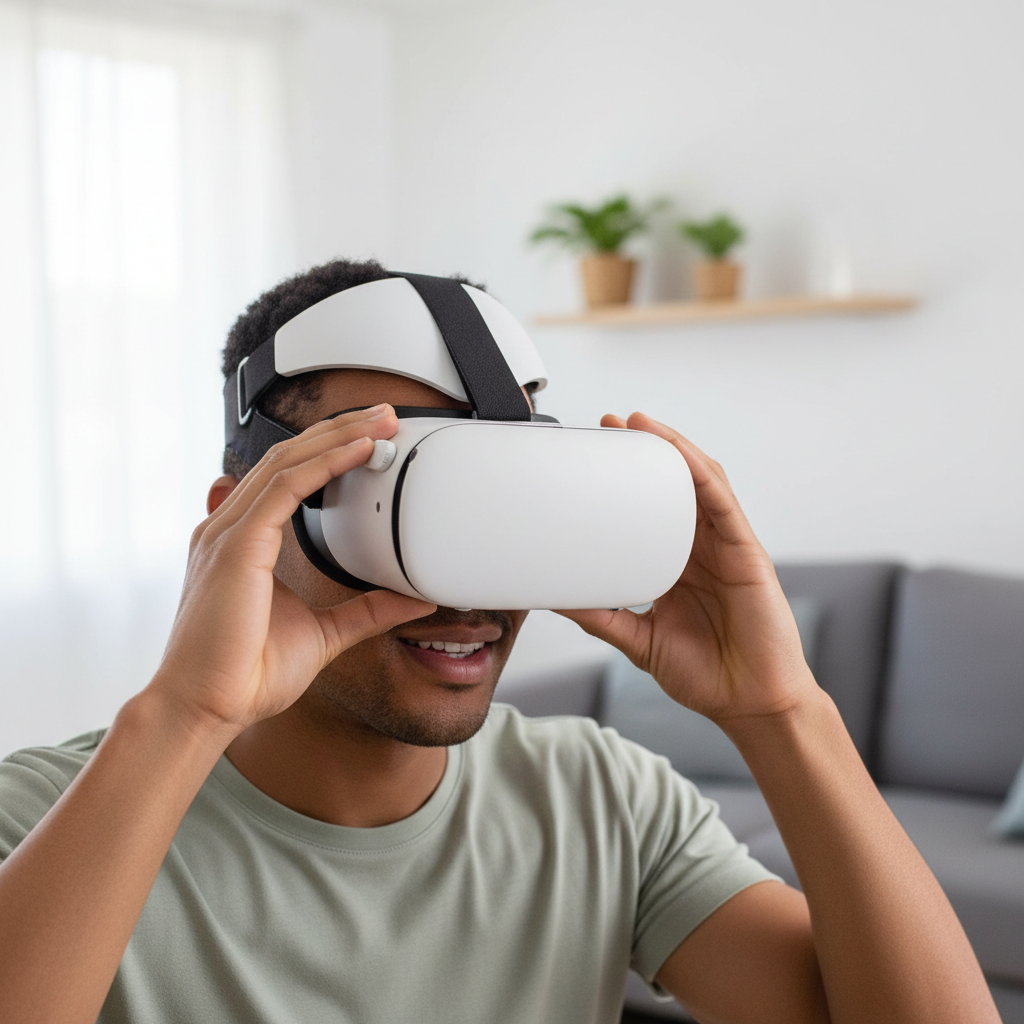
If you have a medical condition affecting balance, vision, or migraines, it may be wise to ask a clinician for personalized advice before long VR sessions. That’s not fear-mongering, it’s just respecting how different bodies respond.
Step-by-Step: Set Up Your Play Area in 20 Minutes
This is the part people skip, then wonder why the experience feels stressful. Keep it boring and safe.
- Clear a zone: move low tables, cords, pet toys, and anything you might clip with your hands.
- Check lighting: many headsets track best in evenly lit rooms; harsh sunlight and mirrors can confuse tracking.
- Set a boundary: be conservative at first, your reach in VR is bigger than you think.
- Add a floor reference: a small rug or mat helps your feet “know” where center is.
- Do a test round: open a simple app, turn, crouch, reach, and confirm nothing feels risky.
Key takeaway: If your boundary setup feels tight, switch to standing/seated content instead of trying to force room-scale.
Common Beginner Mistakes (And What to Do Instead)
- Buying accessories before discomfort shows up: start minimal, then upgrade after a week of use.
- Ignoring IPD and fit: blurry vision and eye strain often come from setup, not “bad headset quality.”
- Chasing max specs on day one: stable performance beats pretty screenshots for beginners.
- Letting others use it without resetting fit: quick re-fit prevents “VR gave me a headache” comments.
- Leaving lenses exposed to sunlight: can damage displays; store in a shaded spot.
When It’s Worth Getting Extra Help
Sometimes you do everything “right” and it still feels bad. That’s usually a sign to get targeted help rather than random shopping.
- Persistent nausea or headaches after multiple short sessions: consider speaking with a healthcare professional.
- PC VR stutter you can’t solve: a local PC shop or knowledgeable friend can help with drivers, USB controllers, and system stability.
- Tracking issues in a normal room: check manufacturer support steps; if it still fails, it could be a hardware fault worth warranty support.
Conclusion: A Beginner Setup That You’ll Actually Use
The best vr gaming setup for beginners is the one that feels comfortable, runs smoothly, and fits your space without turning every session into troubleshooting. Start with the simplest platform that matches your games, build a safe play area, then upgrade comfort pieces only after you learn what annoys you.
If you want one action today, do this: pick your VR type, then spend 20 minutes on boundary and fit before buying anything extra. Your first week will feel dramatically better.
FAQ
- What is the best VR gaming setup for beginners on a budget?
Usually a standalone headset with no extra add-ons at first. Put budget toward comfort only if you notice pressure or slipping during play. - Do I need a gaming PC to start VR?
No. Many beginners start with standalone VR because it removes the PC compatibility layer, which is where a lot of early frustration comes from. - How much space do I need for VR in an apartment?
Enough to safely stand, turn, and extend your arms. If you can’t guarantee that, focus on seated/standing titles and set conservative boundaries. - Why does VR look blurry sometimes?
Fit and lens position are common causes. Adjust the headset height on your face, confirm IPD settings if available, and clean lenses with a proper microfiber cloth. - Is wireless PC VR worth it for beginners?
It can be, but only if your Wi‑Fi and router placement are solid. If you see compression artifacts or stutter, go wired first and optimize later. - What accessories make the biggest difference early on?
A comfort strap and a better facial interface tend to improve comfort quickly. Controller grips help if you play active games and worry about drops. - How do I reduce motion sickness in VR?
Choose comfort settings like teleport movement, keep sessions short, and stop when you feel off. If symptoms persist, consider asking a clinician for guidance.
Key points to remember
- Smooth performance and good fit beat max specs for beginners.
- Play area safety prevents the most common “first-day” accidents.
- Upgrade slowly after you learn what actually bothers you.
If you’re trying to choose between a standalone headset and a PC VR route, or you want a quick shopping list based on your room size and the games you like, share your budget and PC specs, and I’ll help narrow it down without overbuilding.