
best vr truck simulator games 2026 is a search you do when flat-screen trucking stops feeling “big” enough, but you also don’t want to buy the wrong game, fight nausea, or end up with a shallow tech demo.
The good news is VR trucking is in a better place than people assume, especially if you know what to prioritize: steady performance, readable dashboards, comfortable camera behavior, and a gameplay loop that stays fun after the first hour.
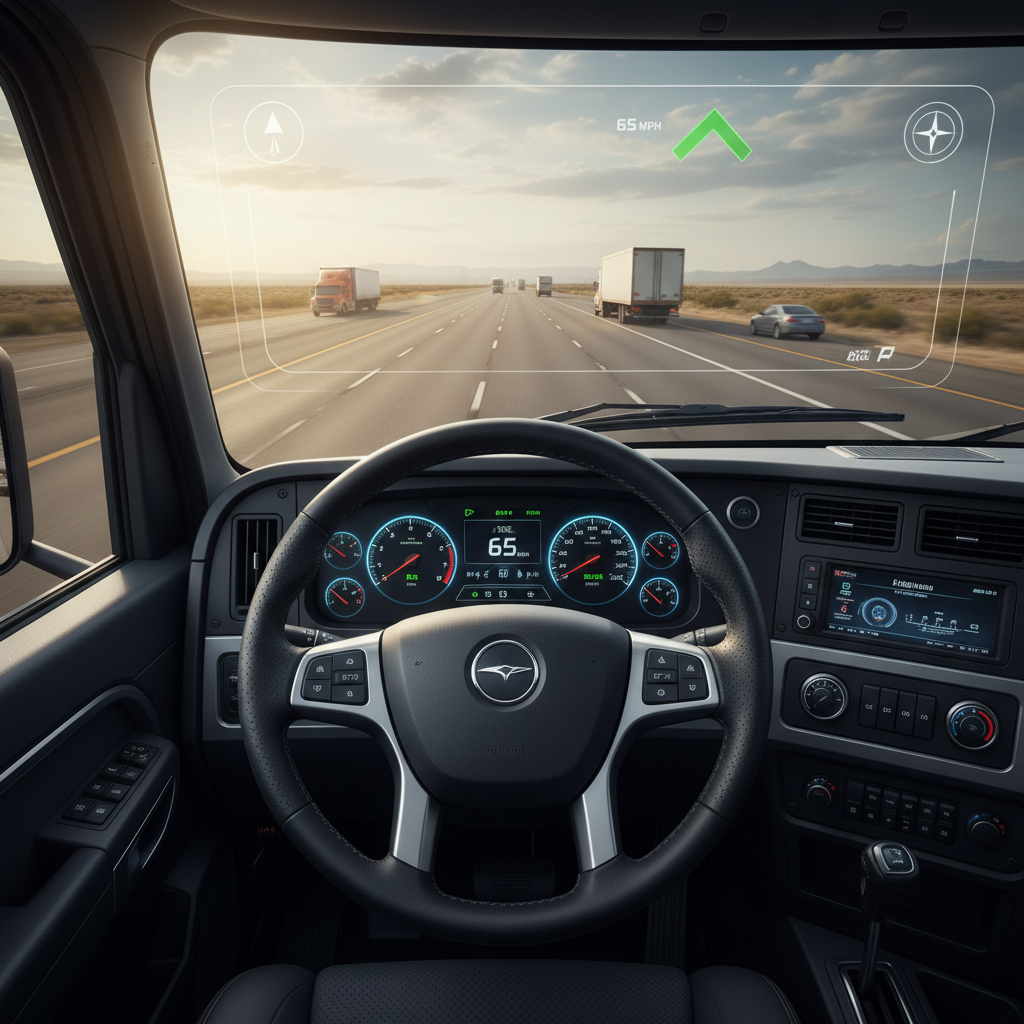
This guide keeps it practical, what plays well in VR, what to avoid, and how to set things up so the experience feels like driving, not like troubleshooting.
What “Best” Means in VR Trucking (Realism vs. Comfort)
In VR, “best” usually means comfortable and consistent more than “most features.” A realistic simulator can still feel bad in a headset if it stutters, shakes the camera, or makes text hard to read.
- Performance stability: Smooth frame pacing matters more than peak visuals. Micro-stutter is where many players tap out.
- Cab readability: Speedometer, GPS, mirrors, and menu text must be legible at typical headset resolutions.
- Camera behavior: Excess head bob, harsh shake, or forced camera animations often trigger discomfort.
- Driving loop depth: Freight variety, route planning, progression, traffic behavior, and weather keep it from feeling like a one-trick ride.
According to Meta (Quest comfort guidance), minimizing unexpected camera motion and keeping motion predictable can reduce discomfort for many players. Truck sims can be naturally VR-friendly because the “player body” sits in a cab, but settings still decide the outcome.
Quick Comparison Table: Top Picks to Start With
Not every title fits every headset and PC. Use this table as a shortlist, then pick based on your setup and what you care about most.
| Game / Platform | VR Support | Why People Like It | Watch-outs |
|---|---|---|---|
| Euro Truck Simulator 2 (PC) | Official (beta branch) | Deep economy + long-haul vibe, huge mod scene | Needs tuning; UI and mirrors can take work |
| American Truck Simulator (PC) | Official (beta branch) | U.S. roads and scenery, strong “road trip” feel | Performance varies by map/mods; setup time |
| Truck & Logistics Simulator (PC/Quest varies by version) | Varies by edition | Hands-on loading, forklifts, job variety | Physics/jank risk; check current VR mode before buying |
| MudRunner / SnowRunner-style off-road trucking (PC) | VR varies (mods/third-party) | Slow technical driving, high immersion | VR support not always native; comfort depends on implementation |
If you’re strictly after the best vr truck simulator games 2026 experience on PC, the safe center of gravity still leans toward ETS2 and ATS because they have mature systems, predictable driving, and communities that constantly polish the experience.
Top VR Truck Simulator Games to Play in 2026 (With Who They Fit)
This is the part most lists skip: who each option actually works for. VR trucking tastes vary a lot, and “more realistic” isn’t always “more enjoyable.”
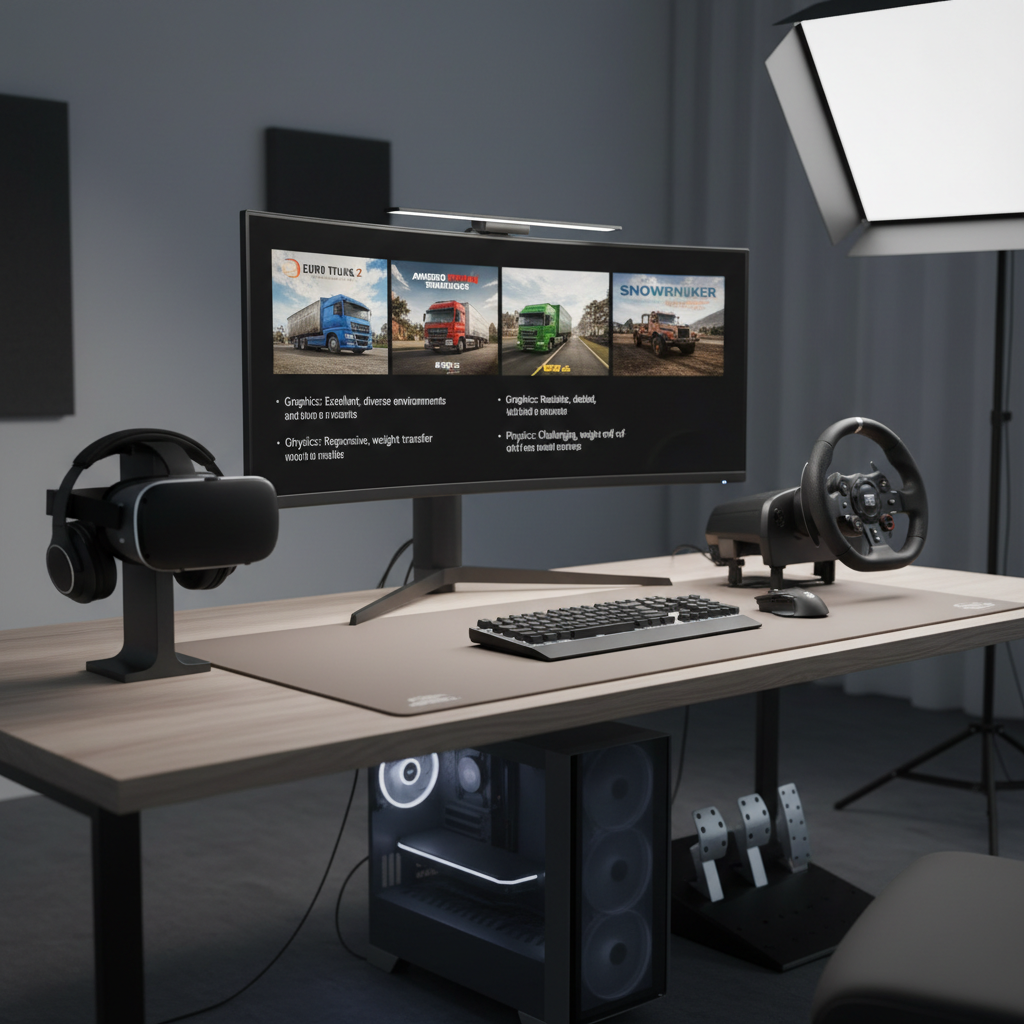
American Truck Simulator (ATS) in VR
ATS is the “easy to recommend” pick if you want U.S. highways, long sightlines, and a relaxed cadence. In VR, the cab scale and road presence feel right when settings are dialed.
- Best for: U.S. players, scenic cruising, route planning, relaxed sessions
- VR sweet spot: Stable frame rate, reduced head bob, sensible mirror settings
- Potential friction: Performance can dip in dense cities or with heavy mod stacks
Euro Truck Simulator 2 (ETS2) in VR
ETS2 is older but still incredibly “alive” thanks to the driving loop and content ecosystem. In VR, it can feel like a proper job simulator, not an arcade experience.
- Best for: Long-haul progression, tight European roads, lots of vehicles and routes
- VR sweet spot: Wheel + pedals + seated play, moderate supersampling for dash clarity
- Potential friction: Some UI elements feel designed for monitor first
Job-focused Trucking and Logistics Sims (Loading, Forklifts, Deliveries)
If you get bored just driving from A to B, logistics-style games add physical tasks: loading pallets, handling trailers, switching equipment. In VR this can feel great, but it also exposes rough edges fast.
- Best for: Players who want hands-on tasks beyond cruising
- Look for: Clean VR interaction, stable physics, clear tutorials
- Be cautious with: Early-access vibes, clunky grabbing, inconsistent vehicle handling
Off-road Hauling (Slow, Technical, High Immersion)
Off-road hauling scratches a different itch: traction management, winching, mud, steep grades. It’s slower, but VR can make every incline feel serious.
- Best for: Players who like problem-solving driving
- Be realistic: Native VR support varies, and mod-based VR can be hit-or-miss
How to Tell What Will Work on Your Setup (Checklist)
Before you spend money, do a quick reality check. This saves you from the classic VR spiral: buy game → fight settings → blame headset.
- Headset type: PCVR headset or Quest with Link/Air Link, your connection quality changes everything.
- GPU headroom: If you already struggle in flat-screen at high settings, VR needs compromises.
- Play style: Seated with wheel, gamepad, or VR controllers, each game supports these differently.
- Comfort sensitivity: If you’re prone to motion sickness, prioritize stable fps and minimal camera shake.
- Time tolerance for tweaking: Some of the best experiences require 30–60 minutes of setup.
Quick self-test: if you want “install and drive” with minimal tuning, you may prefer a simpler title even if it’s less deep. If you enjoy optimizing, the classics reward the effort.
Practical Setup Tips (Wheel, Settings, Comfort)
Most people chasing the best vr truck simulator games 2026 end up limited by setup, not by the game. Here’s what usually moves the needle.
Controls: Wheel vs. Gamepad vs. Motion Controllers
- Wheel + pedals: Best immersion and fine control for lane holding and parking. Add an H-shifter if you enjoy manual shifting.
- Gamepad: Surprisingly solid for cruising and casual sessions, often less hassle.
- Motion controllers: Great when a game is built around hands-on tasks, but less ideal for long highway driving unless implemented well.
Settings that commonly improve VR comfort
- Reduce camera shake/head bob: Keeps your inner ear and eyes from “arguing.”
- Prioritize stable performance: Drop shadows and heavy AA before dropping resolution into unreadable territory.
- Adjust seat position: A slightly higher seat can improve mirror visibility and reduce neck strain.
- Mirror strategy: Lower mirror refresh or quality if performance tanks, then compensate with careful head checks.
Audio matters more than you think
Engine load, tire noise, and air brake sounds provide “speed sense” without visual chaos. If your headset speakers are thin, decent headphones can make the cab feel less like a toy.
Common Mistakes (That Make a Good Game Feel Bad)
These are the patterns that turn a solid sim into a refund request.
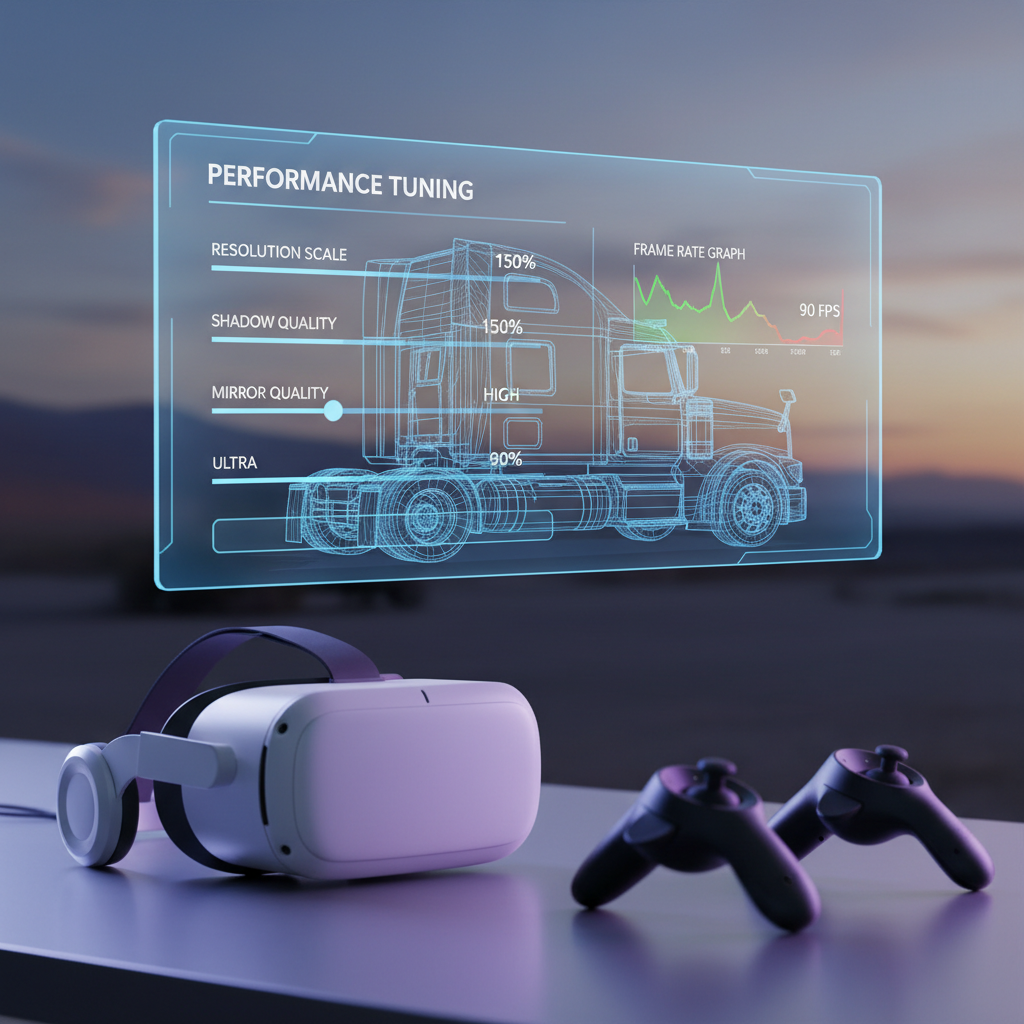
- Chasing ultra graphics first: In VR, stable frames usually beat prettier reflections.
- Over-modding early: Mods can be amazing, but stacking them before you have a baseline makes troubleshooting miserable.
- Ignoring IPD/fit: A slightly wrong fit can make dashboards blurry and cause eye strain. If you’re unsure, follow your headset maker’s fit guidance.
- Too-long first session: If you’re new to VR, build tolerance. Short drives are fine, then ramp up.
- Assuming all “VR supported” equals “VR polished”: Some games technically run in VR but still feel like a flat game strapped to a headset.
According to Valve (SteamVR) guidance and general VR best practices, consistent performance and correct headset fit are frequent make-or-break factors for comfort. If you experience nausea or headaches, consider stopping and adjusting settings, and if symptoms persist, it may be worth consulting a medical professional.
Picking Your Next Game: A Simple Decision Path
If you want one clean recommendation path, use this:
- You want U.S. highways and scenery: Start with ATS in VR, tune for stability, then add quality-of-life mods later.
- You want a deeper “trucking career” feel and dense road networks: ETS2 is often the better long-term sink.
- You get bored without physical tasks: Look at logistics-focused sims, but check recent store reviews for VR-specific issues.
- You crave slow challenge driving: Off-road hauling can be incredible, just confirm current VR support before committing.
At the end of the day, the best vr truck simulator games 2026 pick is the one you’ll actually keep launching, comfort and routine beat novelty.
Conclusion: What to Do Next
If you’re choosing today, ATS and ETS2 remain the most reliable starting point for VR trucking because they deliver a real driving loop and enough options to make VR comfortable with a bit of tuning. The more experimental titles can be fun, but they’re easier to enjoy once your baseline setup feels solid.
Action ideas: pick one “main” sim, run a 20-minute test drive with comfort-first settings, then adjust clarity and mirrors only after performance stays stable.
If you need help comparing headset connection options, wheel compatibility, or VR settings for your specific PC, a quick hardware-focused consultation with a local PC shop or VR community can save hours of trial and error.